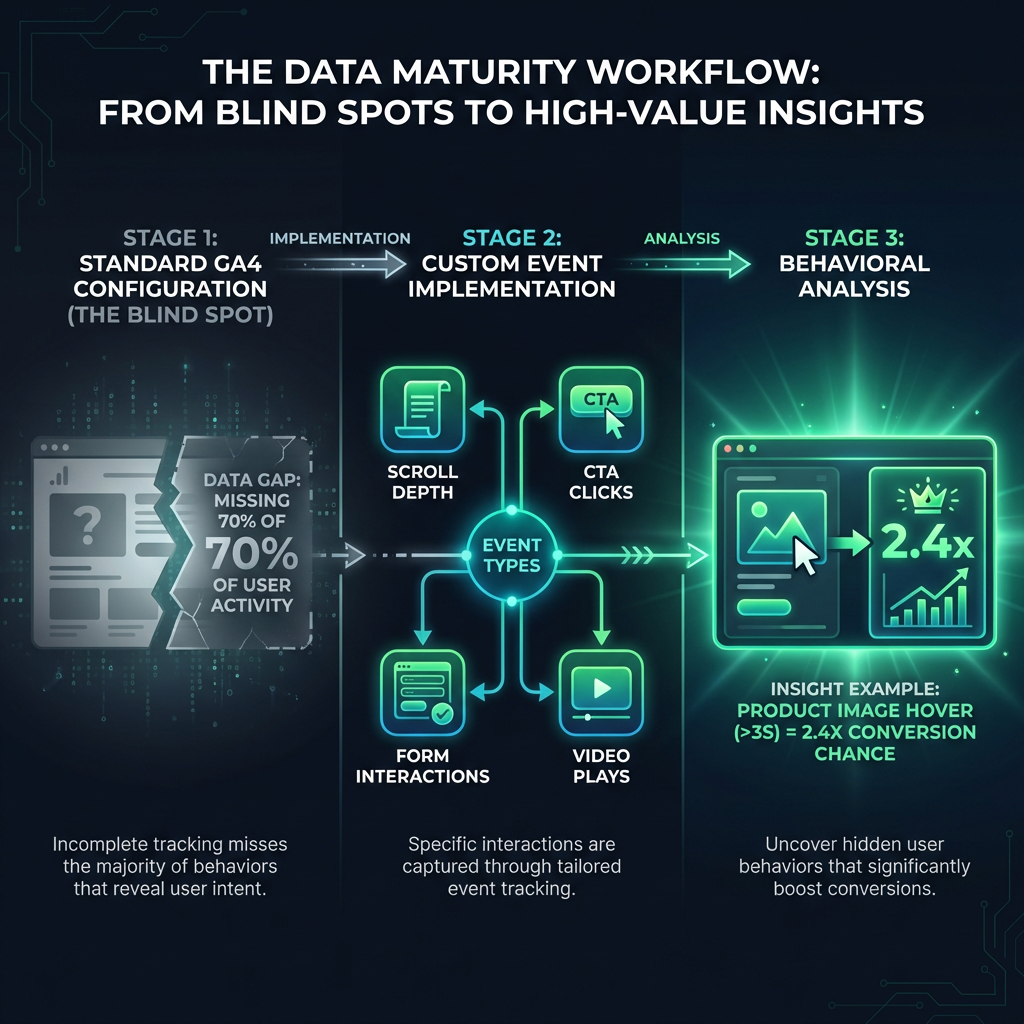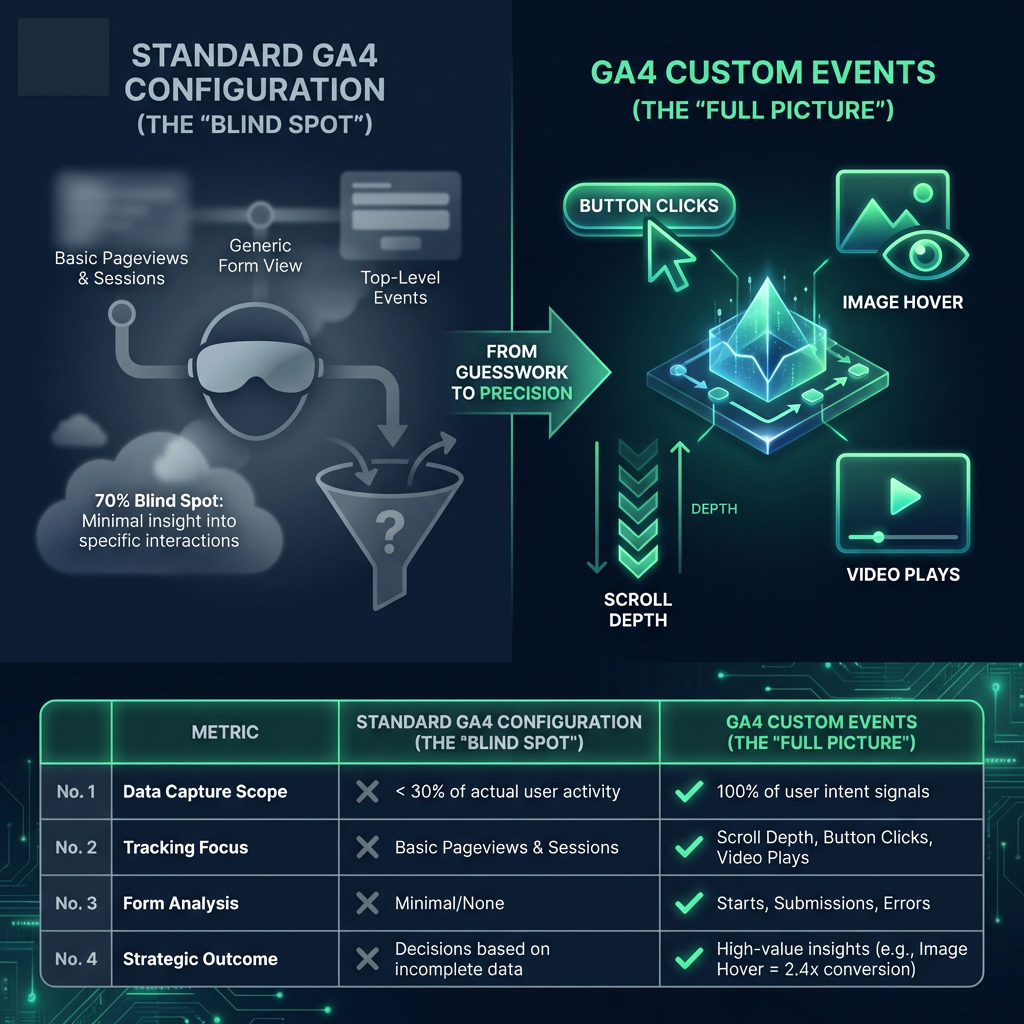

A GA4 custom event is an event you name and send yourself, using gtag('event', 'your_event_name', {...}), a Google Tag Manager GA4 Event tag, or the "Create event" feature in the GA4 admin. You need one only when an action is not already covered by GA4's automatically collected, enhanced measurement or recommended events. To make it useful for conversion tracking, register its parameters as custom dimensions and mark it as a key event, which is what GA4 has called conversions since 2024.
What are GA4 custom events, and when do you actually need one?
Every interaction GA4 records is an event, and Google sorts them into four groups. Check them in this order before creating anything new.
| Type | Who defines it | Examples | Setup needed |
|---|---|---|---|
| Automatically collected | first_visit, session_start, user_engagement | None. They come with the Google tag. | |
| Enhanced measurement | page_view, scroll, click (outbound), view_search_results, video_start, file_download, form_start, form_submit | Toggle in Admin, Data streams, Enhanced measurement | |
| Recommended | Google names them, you send them | generate_lead, sign_up, login, add_to_cart, begin_checkout, purchase | Code or GTM, using Google's exact names and parameters |
| Custom | You | pricing_toggle, form_error, size_guide_open | Code, GTM or the GA4 UI |
A decision rule
- If GA4 already records the action automatically or through enhanced measurement, use that event.
- If Google publishes a recommended event for it (see Google's recommended events reference), send that name with the recommended parameters. Recommended events plug into built-in reports such as the ecommerce reports, and custom names do not.
- Only if neither exists, create a custom event.
For conversion work, custom events are usually friction signals no standard event describes: a form validation error, a pricing toggle, a failed coupon code. They explain why the main conversion rate moves.
What are the GA4 event limits you must design around?
Google's "[GA4] Event collection limits" and configuration limits help pages set these rules. GA4 silently drops events and parameters that exceed them.
- Event name: up to 40 characters.
- Parameters per event: up to 25.
- Parameter name: up to 40 characters. Parameter value: up to 100 characters (page_title, page_referrer and page_location have longer limits).
- Distinct event names: no limit for web data streams, according to Google's collection limits page. App streams have a cap of 500.
- Custom dimensions per standard property: 50 event-scoped, 25 user-scoped, 10 item-scoped (Analytics 360 allows more).
- Key events: up to 30 per standard property and 50 per Analytics 360 property, per Google's "Mark events as key events" page.
- Events created or modified in the UI: up to 50 of each per property, per Google's "Rename and generate new events" page.
The custom dimension quota is the one you will hit first. Unregistered parameters still reach BigQuery exports but not reports or explorations, so spend the 50 slots on parameters you will segment by.
How do you build a GA4 event tracking plan?
A tracking plan is one shared table: event name, what fires it, what context it carries, and which decision it informs. If you cannot fill in the last column, drop the event.
Tracking plan for a lead generation site
| Event name | Trigger | Parameters | Why it matters for CRO |
|---|---|---|---|
| generate_lead (recommended) | Server confirms the form was accepted | form_id, lead_type, value, currency | The primary key event. Value lets you compare channels by lead worth, not just volume. |
| form_error (custom) | Client-side validation fails | form_id, field_name, error_type | Shows which field blocks completions. Pair with your form labels and error message copy. |
| cta_click (custom) | Click on a primary call-to-action button | cta_location, cta_text | Compares hero, mid-page and footer CTAs on the same page. |
| pricing_toggle (custom) | User switches monthly/annual billing | billing_period | Shows price sensitivity before the demo request. |
| meeting_booked (custom) | Scheduler confirmation callback | meeting_type | Separates form fills from booked calls, which are worth more. |
| click_to_call (custom) | Click on a tel: link | cta_location | Phone leads are invisible without it, especially on mobile. |
Tracking plan for an ecommerce site
| Event name | Trigger | Parameters | Why it matters for CRO |
|---|---|---|---|
| view_item (recommended) | Product page load | currency, value, items | Start of the product-to-purchase funnel. |
| add_to_cart (recommended) | Item added successfully | currency, value, items | Product page effectiveness: add_to_cart divided by view_item. |
| begin_checkout, add_shipping_info, add_payment_info (recommended) | Each checkout step completed | currency, value, items, shipping_tier or payment_type | Locates the step where buyers leave. Feeds GA4 funnel exploration for checkout. |
| purchase (recommended) | Order confirmation, once per order | transaction_id, value, currency, items | Revenue. GA4 marks it as a key event by default. |
| coupon_error (custom) | Coupon code rejected | error_type | Invalid codes are a known checkout exit point and easy to fix. |
| size_guide_open (custom) | Size guide opened | item_category | High rates point to unclear fit information on the product page. |
If you run either type of site, the lead generation and ecommerce solution pages list the page-level issues these events usually point to.

What naming conventions should GA4 custom events follow?
Google's "Event naming rules" page sets the hard rules: names are case sensitive, must start with a letter, and may contain only letters, numbers and underscores. Some names and prefixes are reserved (for example names starting with google_, ga_ or firebase_). On top of those rules, use these conventions:
- snake_case, all lowercase. Form_Error and form_error are two different events in GA4, and they will split your data.
- object_action order, matching Google's own style: form_error, coupon_apply, video_complete.
- Generic event, specific parameter. Send one form_error event with a form_id parameter, not contact_form_error and demo_form_error. This saves event names and keeps reports comparable.
- No dynamic values in event names. Never build names like click_button_3482. IDs belong in parameters, and only if you need them.
How do you create custom events in GA4?
Code and GTM send new events from the browser. The GA4 UI method only derives new events from ones GA4 already receives.
Method 1: gtag.js
If the Google tag (gtag.js) is installed directly on the site, call gtag('event', ...) at the moment the action succeeds. For a lead form, that is after the server confirms the submission, not on the button click.
gtag('event', 'generate_lead', {
  form_id: 'demo_request',
  lead_type: 'demo',
  value: 50,
  currency: 'USD'
});
A custom event uses the same syntax:
gtag('event', 'form_error', {
  form_id: 'demo_request',
  field_name: 'work_email',
  error_type: 'invalid_format'
});
Method 2: GTM GA4 custom event (dataLayer.push and a GA4 Event tag)
The site pushes a message to the data layer and GTM decides what to send to GA4.
- Push the event from the site. Your developer adds this where the action succeeds:
window.dataLayer = window.dataLayer || []; window.dataLayer.push({ event: 'form_error', form_id: 'demo_request', field_name: 'work_email', error_type: 'invalid_format' }); - Create Data Layer Variables. In GTM, go to Variables, New, Data Layer Variable. Create one each for form_id, field_name and error_type, with the Data Layer Variable Name matching the key exactly.
- Create a Custom Event trigger. Triggers, New, Custom Event. Set Event name to form_error (case sensitive), firing on All Custom Events.
- Create the GA4 Event tag. Tags, New, Google Analytics: GA4 Event. Enter your Measurement ID (G-XXXXXXX), set Event Name to form_error, and add three Event Parameters rows that map each parameter name to its Data Layer Variable.
- Attach the trigger from step 3 and save.
- Test in Preview mode (see the testing section below), then Submit and Publish the container.
A Google tag with the same Measurement ID must also fire on all pages, or the event tag will have no configuration to send to.
Method 3: "Create event" in the GA4 UI
Go to Admin, Data display, Events, Create event, then Create. Give the new event a name and add matching conditions, for example: