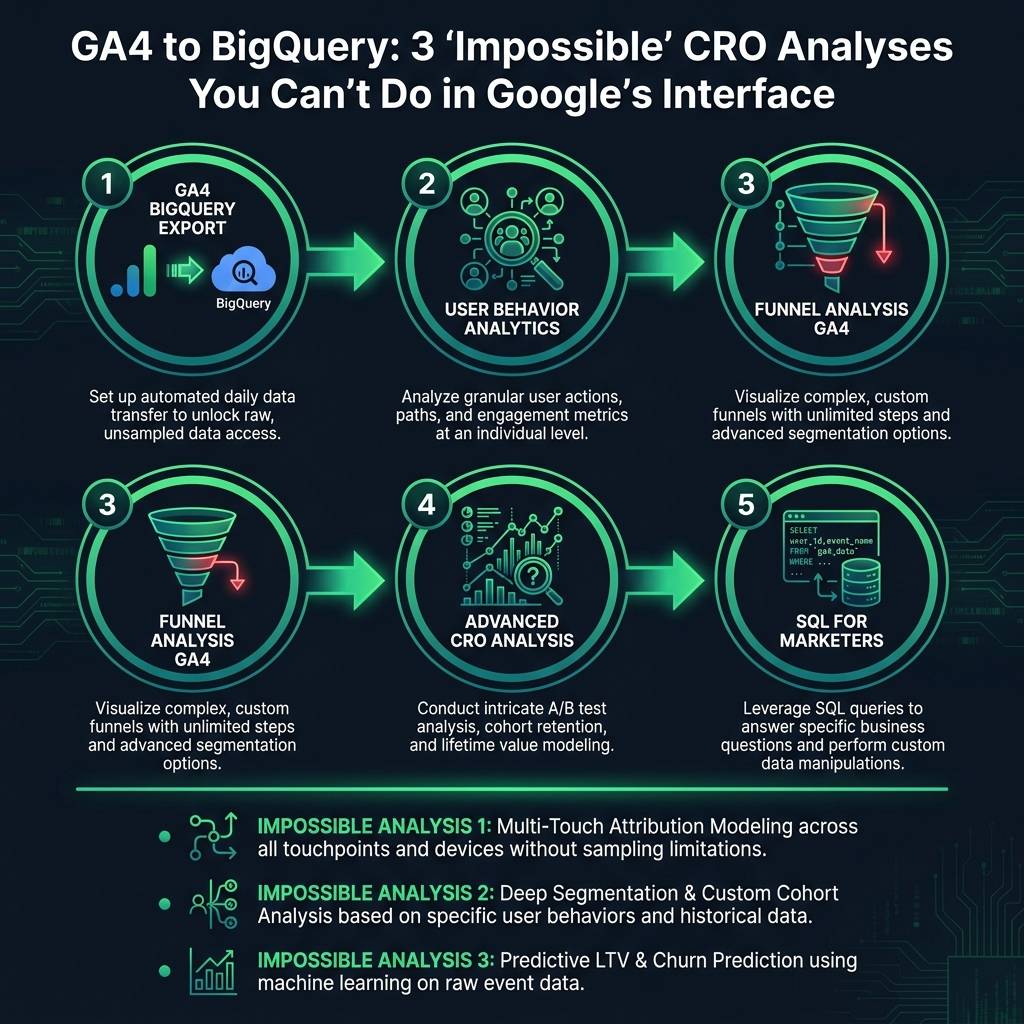

Is your conversion rate declining, but your GA4 dashboard doesn't explain why? When standard reports fail to provide clear answers, it's often because the most valuable insights are hidden within raw event data. The GA4 BigQuery export is the solution for accessing this data, enabling deep user behavior analytics that surpass the limitations of the standard GA4 interface and drive significant conversion rate optimization.
You may see users visit a product page and add items to their cart, but what about the critical actions that occur in between? These small hesitations and micro-interactions can predict who will purchase and who will leave. Standard GA4 reports, with their data sampling and aggregated metrics, often obscure this crucial narrative. By exporting your raw, unsampled event data to BigQuery, you gain access to every click, scroll, and user interaction, empowering you to conduct truly advanced CRO analysis.
Perform Advanced Funnel Analysis with BigQuery Data
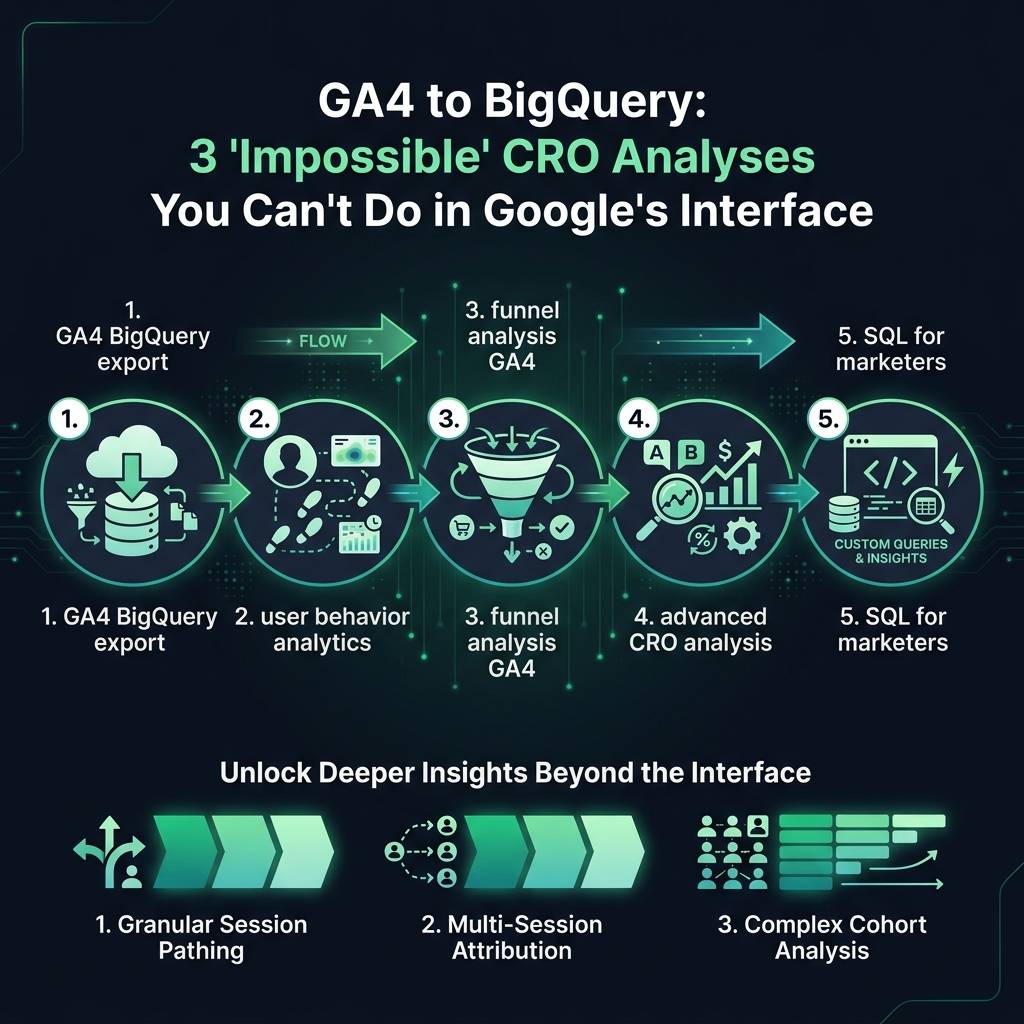
While GA4's built-in reports can identify major drop-offs in your conversion funnel, they rarely explain why these occur. To genuinely understand customer motivation, you must analyze the subtle behaviors that distinguish buyers from browsers. This is where a detailed funnel analysis using GA4 data in BigQuery provides a significant competitive advantage.
For example, we analyzed an e-commerce store with a 67% drop-off between product page views and add-to-cart actions. The GA4 interface offered no clear reason. However, by analyzing the raw event data in BigQuery, we discovered a crucial pattern:

- Customers who converted viewed an average of 2.3 product images.
- Customers who left the site viewed only 0.8 images on average, with most never opening the image gallery.
This insight - a behavioral pattern completely missed by standard reports - is a critical micro-conversion. By using the GA4 BigQuery export to connect event data to user IDs, you can uncover these powerful patterns. You can start building a clear picture of your ideal customer journey by tracking specific event sequences, like "viewed page," then "clicked image," then "added to cart."
Research from the Baymard Institute shows that a high percentage of online shopping carts are abandoned. But not all abandonments are equal. BigQuery allows you to segment users by their level of engagement before they leave, a crucial detail GA4's standard reports obscure.
With raw data, you can finally track the signals that actually predict a sale, such as how many times a user consulted a size guide, scrolled to read reviews, or switched between browser tabs. This is the foundation of effective user behavior analytics.
Unify the Customer Journey for Accurate Cross-Device Attribution
GA4 aims to track users across devices using User ID and Google signals, but in reality, the data often remains fragmented. A single customer journey that begins on a smartphone, continues on a laptop, and concludes with a purchase on a tablet can appear as three separate sessions. This fragmentation makes accurate attribution extremely difficult.
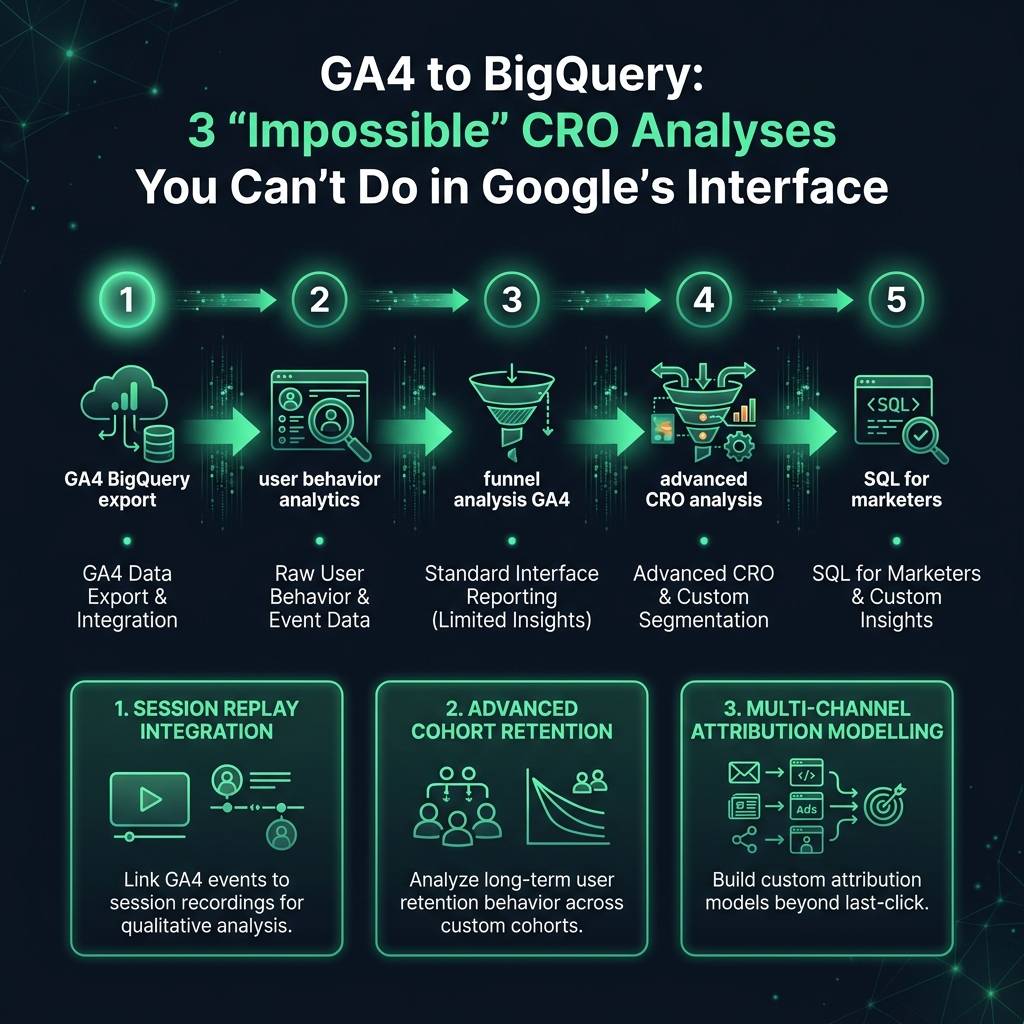
The GA4 BigQuery export resolves this challenge. By combining user IDs with event timestamps, you can reconstruct the complete, chronological user journey across every device. This enables more sophisticated advanced CRO analysis, allowing you to: