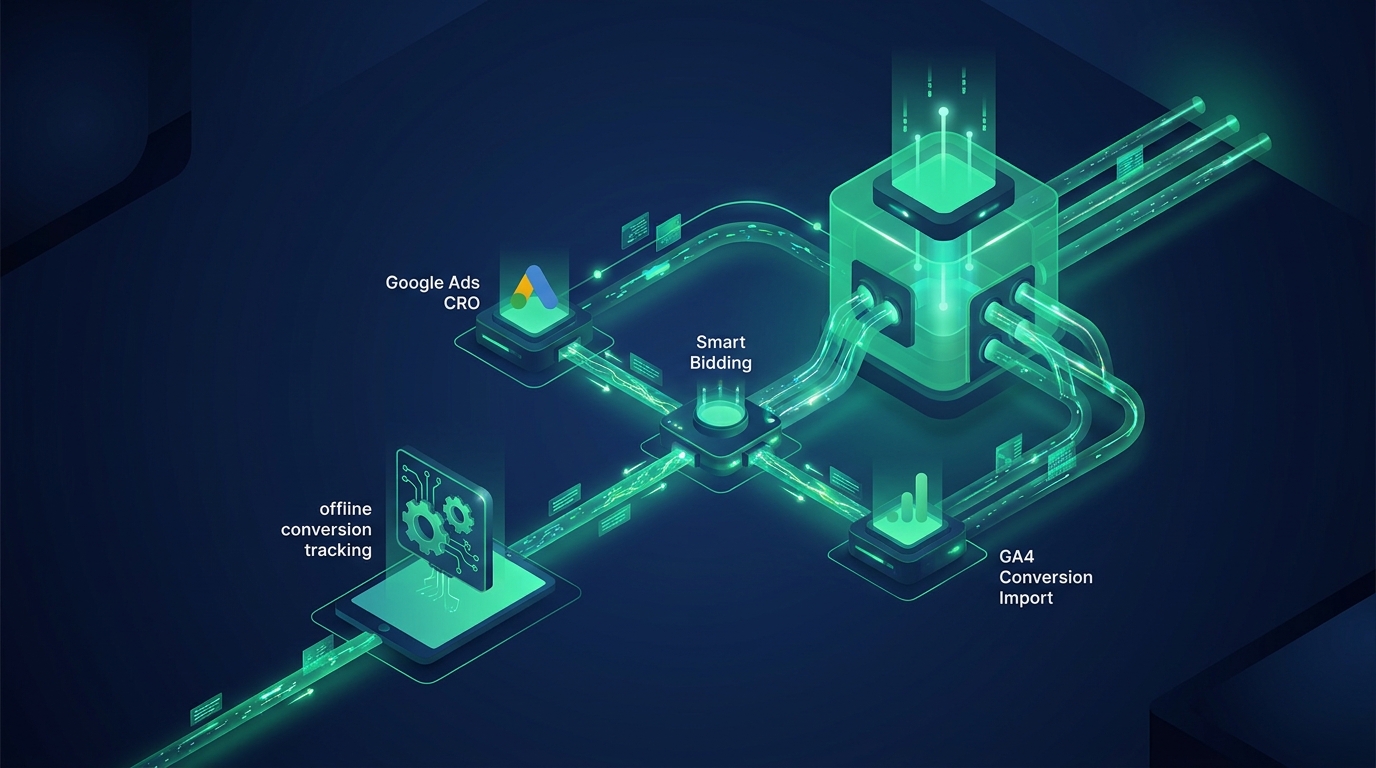
If your analytics dashboard seems unreliable, you are not alone. Inaccurate conversion tracking and poor data accuracy are common challenges, with valuable user data often being distorted, blocked, or lost entirely. The solution is to upgrade your data collection strategy with GA4 server-side tagging in GTM, a modern approach designed for the global era of digital privacy and performance.
Why GA4 Server-Side Tagging is Essential for Data Accuracy
Think of server-side tagging as a secure, private channel for your analytics data. Traditional client-side tracking, where scripts run in a user's browser, is becoming obsolete. It is an unstable foundation for data collection in a world of ad blockers, browser restrictions, and expiring third-party cookies.
By moving tracking logic from the visitor's browser to your own server environment, you regain control. This shift is a pivotal step toward achieving reliable analytics. The digital landscape is evolving rapidly, and without a server-side setup, your current tracking is likely losing crucial information, which impacts your marketing decisions and ROI.
Improve Conversion Tracking and Performance with a Server-Side GTM Container
eyecaptain.io
Implementing server-side tagging means the intensive work of data processing moves from the user's device to your secure server. This simple change delivers powerful benefits for your business and your customers.
Enhanced Data Accuracy: Server-side requests are less likely to be blocked by ad blockers or browser privacy technologies like Intelligent Tracking Prevention (ITP), leading to a more complete and accurate view of user behavior.
Improved Conversion Tracking: Capture more conversions reliably by bypassing browser-side interruptions. This ensures your marketing platforms receive the data they need to optimize campaigns effectively.
Faster Website Performance: Reducing the number of third-party scripts running in the browser leads to quicker page load times and a better user experience.
Greater Control and Security: You decide what data is collected and where it is sent, allowing you to enrich, redact, or validate information before it reaches analytics vendors, which improves privacy compliance.
A global study by the Baymard Institute showed that 68% of e-commerce tracking setups are losing crucial conversion data. With a server-side approach, you can resolve these data leaks permanently.
eyecaptain.io
Getting Started with GA4 Server-Side Tagging in GTM
Making the switch involves a few key components: a tagging server (often hosted on a cloud platform like Google Cloud), a server container in Google Tag Manager (GTM), and a properly configured data stream from your website. This setup fundamentally changes how you handle user interaction data.
EyeCaptain
97%
Conversions Booster
Your visitors leave without converting
Most websites lose 97% of their traffic without a single conversion. Our AI scans 200+ CRO elements to find exactly where visitors drop off.
Instead of sending dozens of requests from a user's browser, you send a single, robust data stream to your server container. From this central point, your server distributes the data to Google Analytics 4, advertising platforms, and other marketing tools. The result is a cleaner, more reliable system for conversion tracking and analysis.
Unlock Deeper Insights with BigQuery Export
One of the most powerful advantages of a clean server-side data stream is the ability to enable the native BigQuery export from GA4. By sending your complete, unsampled event data to BigQuery, you create a permanent, first-party data warehouse. This allows for advanced analysis, custom attribution modeling, and deeper audience segmentation far beyond the capabilities of the standard GA4 interface.
eyecaptain.io
Future-Proof Your Analytics with Cookieless Tracking
With privacy regulations tightening worldwide and major browsers phasing out third-party cookies, embracing cookieless tracking is a business necessity. Server-side tagging is the foundation for building a resilient, future-proof analytics framework.
This method allows you to understand user journeys and measure marketing effectiveness in a privacy-centric way. By leveraging first-party data and server-side identification techniques, you can maintain critical business insights while respecting user consent and building brand trust.
Recent research from the Nielsen Norman Group shows that server-side tracking can boost data accuracy by up to 35%. This is more than just an impressive statistic; it represents tangible revenue that may currently be lost.
While competitors struggle with the limitations of outdated tracking models, you can gain a significant competitive advantage. Making the switch to GA4 server-side tagging with GTM empowers you to make confident, data-driven decisions based on information you can finally trust.
Enjoyed this article?
One short email a week with practical CRO and UX tips
No spam. Unsubscribe anytime.
Find what stops your visitors from converting
EyeCaptain is an AI-powered CRO & UX audit tool that automatically scans your pages, identifies UX issues, and gives you actionable optimization suggestions to increase conversions. Try it for free, no card, no commitment.