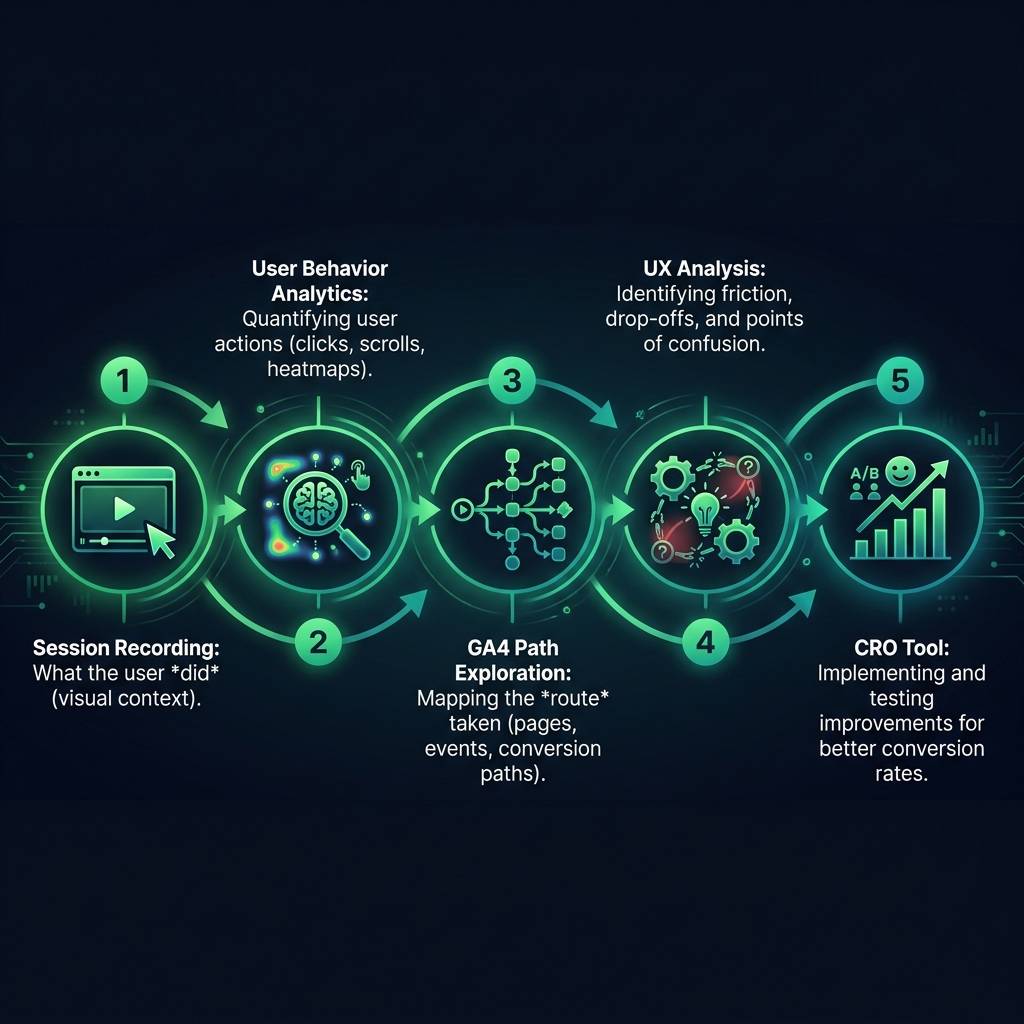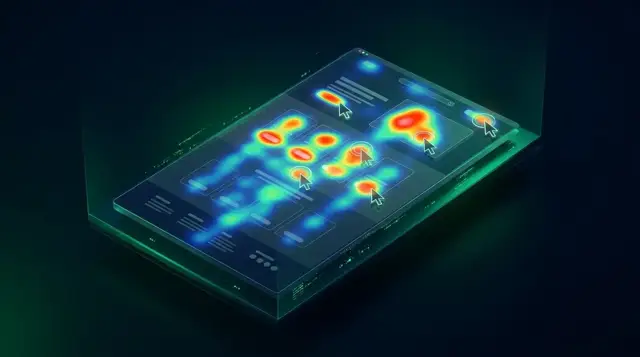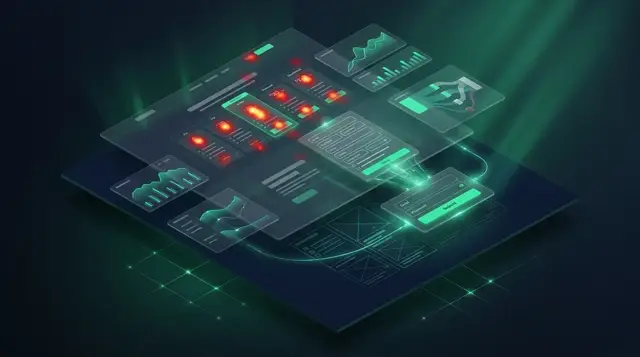

Are you looking at your analytics, seeing where users abandon their journey but not understanding why? While a tool like GA4 path exploration is excellent for showing you the "what" - for example, a 70% cart abandonment rate - it can't reveal the "why." This gap between data and understanding is where session recording transforms your approach. It turns abstract numbers into actionable user behavior analytics and provides the vital context you need to optimize your digital experience.
By combining quantitative data from analytics platforms with the qualitative insights from session replays, you can stop guessing and start seeing the real human story behind the metrics. This powerful combination is essential for effective UX analysis and a cornerstone of any successful conversion rate optimization (CRO) strategy.
GA4 Path Exploration: Pinpointing the "What," Not the "Why"
Think of the GA4 path exploration report as a high-level map of your website's traffic. It expertly charts user movements from one page to the next, showing you the most common routes, the percentage of users who follow them, and precisely where they exit. It's an invaluable tool for identifying patterns at scale. When you see that thousands of users take the same path and a large percentage drop off at the same step, you know you have a problem area.
But analytics only gives you the coordinates of the problem, not the diagnosis. It might tell you users are leaving the checkout page, but it can't explain if it's because of:
- Unexpectedly high international shipping costs or duties
- Payment methods that are not available in their region
- Confusing or broken form fields that do not support local address formats
- A discount code box causing uncertainty or distraction
- A lack of trust signals or security badges that resonate with their culture
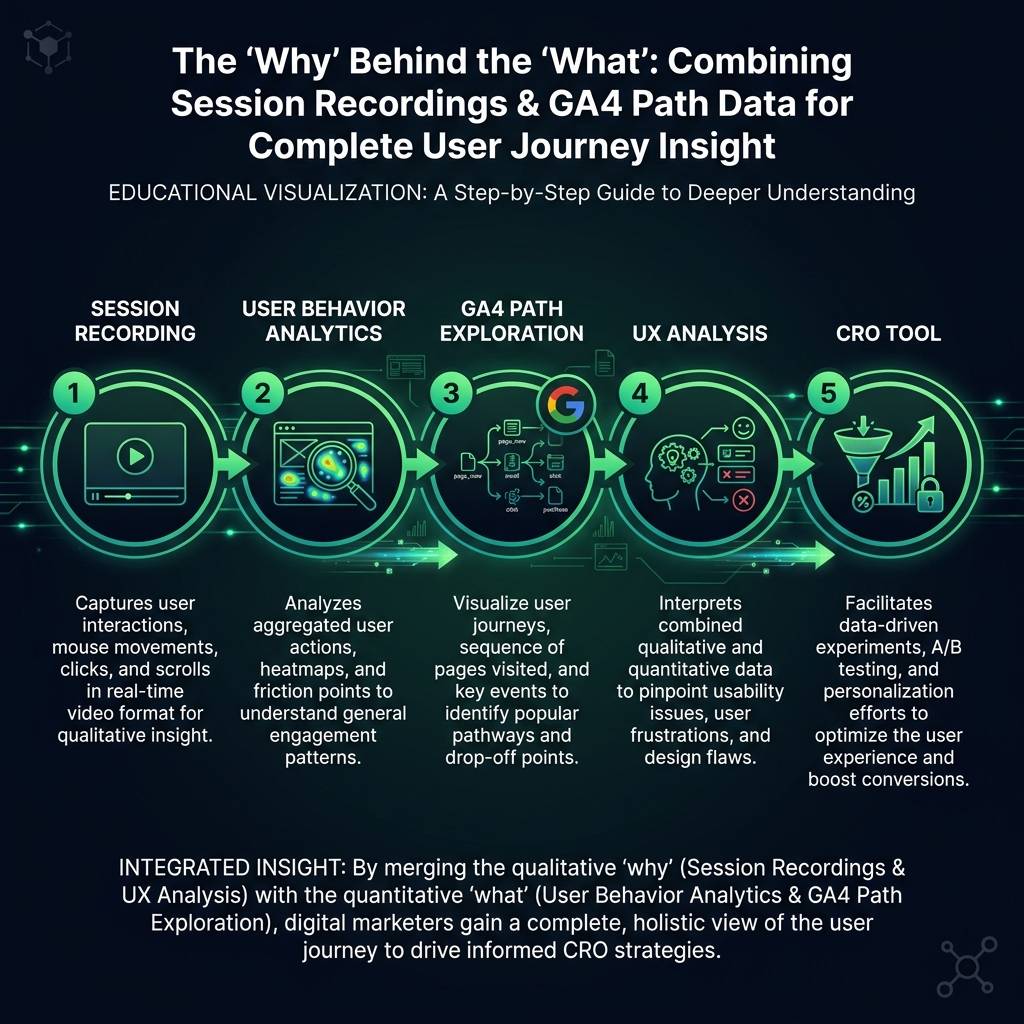

To an analytics tool, all these distinct issues look the same: "checkout abandonment." This is where the limitations of purely quantitative user behavior analytics become clear. Analytics shows you the cliff; session recordings let you see why users are falling off.
How Session Recordings Reveal the "Why" Behind User Behavior
A session recording is a powerful tool for qualitative UX analysis, allowing you to observe a user's complete experience on your site. It's a video-like replay of a real user's journey, capturing every click, scroll, mouse movement, and moment of hesitation. This "digital body language" reveals the exact friction points that aggregated data in analytics reports can never show.
With session replays, you can witness firsthand:
- Indecision: A user's cursor hovering over a call-to-action for several seconds, indicating uncertainty.
- Frustration: Repeated, rapid clicks ("rage clicks") on an element that is not interactive.
- Confusion: A user scrolling frantically up and down a page, searching for information they cannot find.
- Errors: A visitor repeatedly failing to submit a form because an error message is unclear or poorly placed.
These moments are the invisible barriers to conversion. By using a session recording platform as a CRO tool, you can diagnose these specific issues. Start by identifying a problematic path in GA4 - for example, a high exit rate from a product page. Then, filter your session replays to watch only the users who followed that exact path. You are no longer searching randomly; you are performing a targeted investigation to uncover the "why."
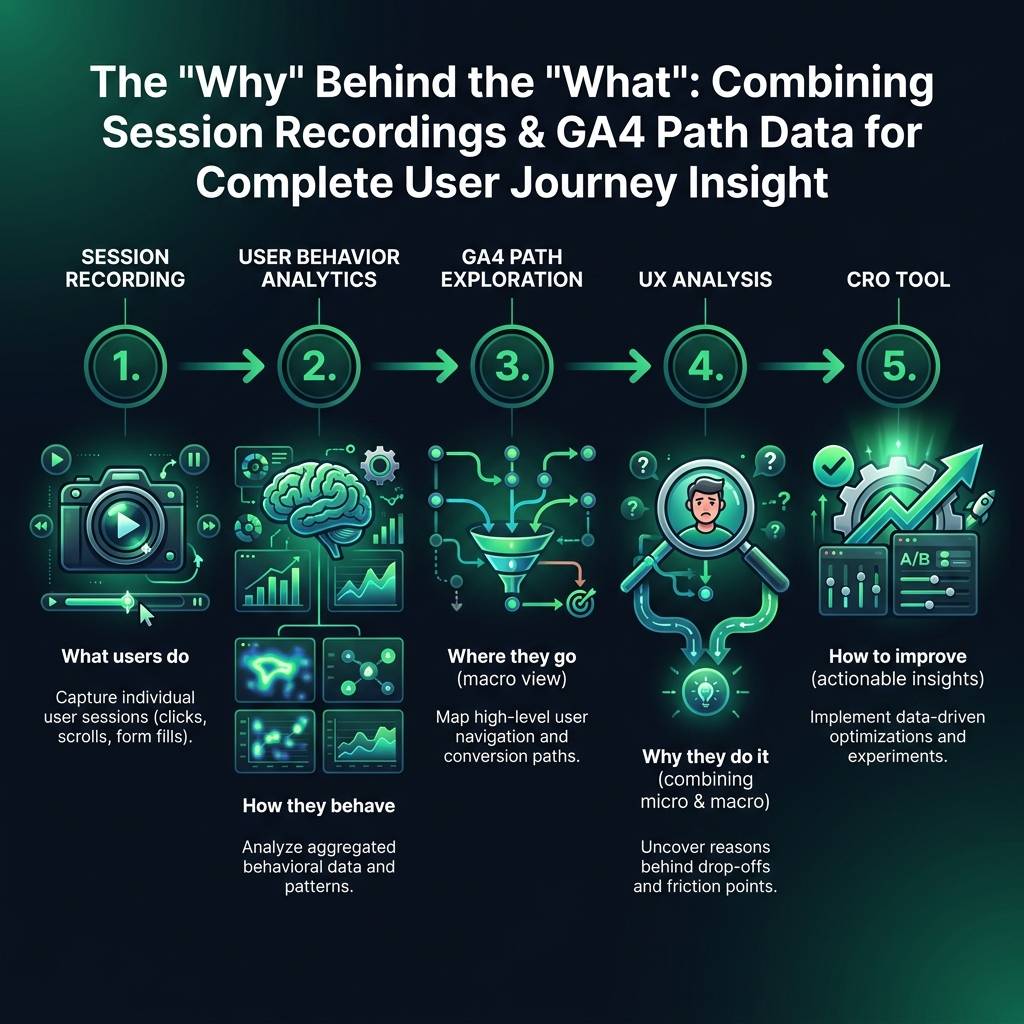
Creating a CRO Feedback Loop with Analytics and Session Replays
The true power emerges when you create a continuous feedback loop between quantitative and qualitative data. This process turns insights into measurable improvements for your global audience.