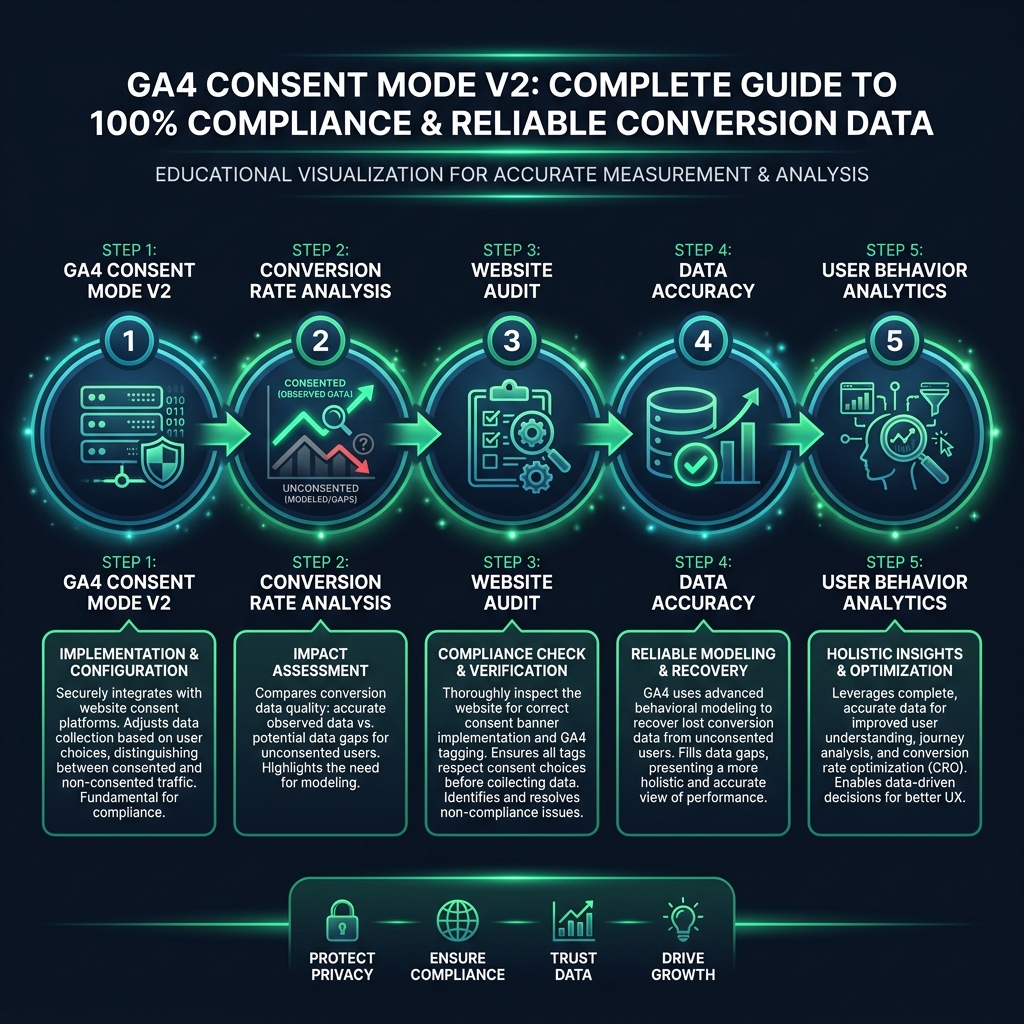
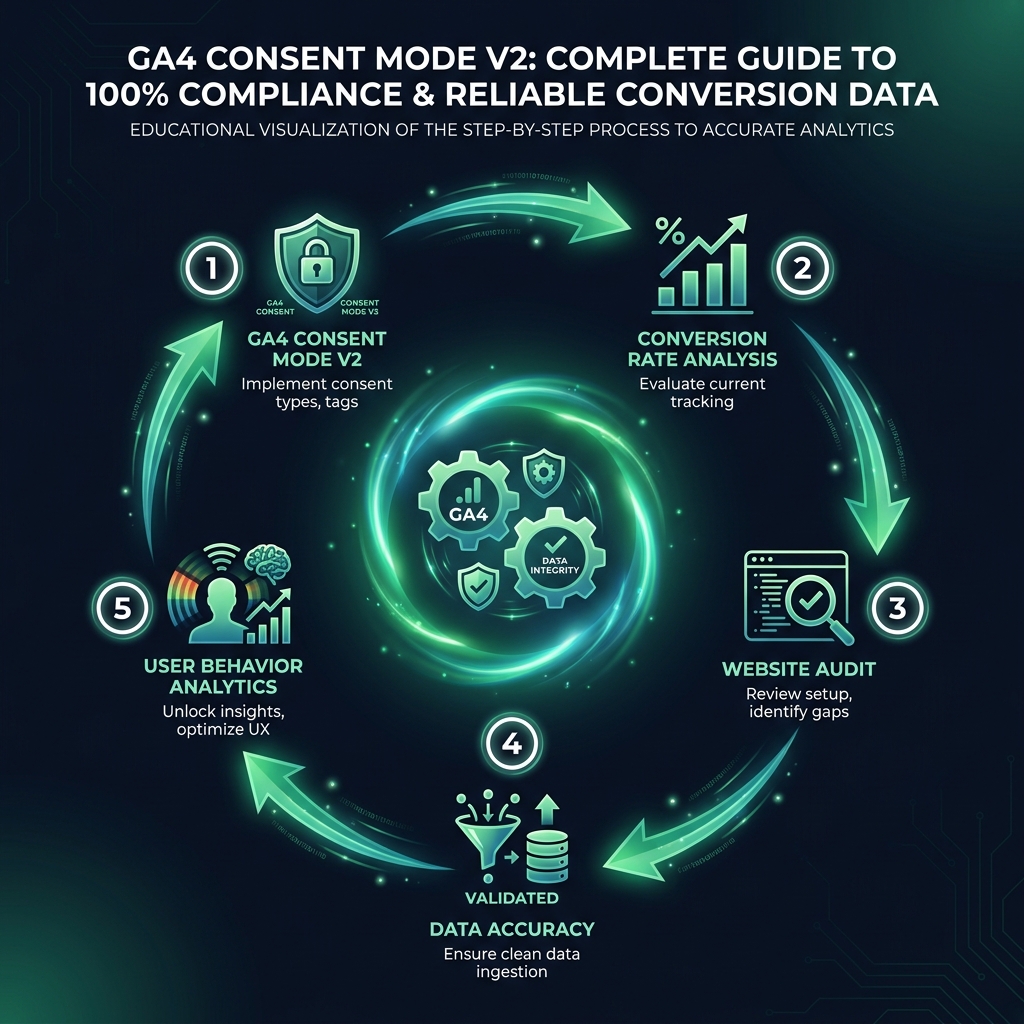
Are you struggling with incomplete analytics and poor data accuracy since global privacy regulations like GDPR, LGPD, and others came into effect? If your conversion data seems to be disappearing from your reports, you are not alone. Implementing GA4 consent mode v2 is the key to regaining a clearer picture of your website's performance, but a flawed setup can leave you just as uncertain as before. This guide will help you understand how to correctly leverage consent mode to improve your conversion rate analysis and make data-driven decisions with confidence.
What is GA4 Consent Mode v2 and Why is it Essential?
Think of GA4 Consent Mode v2 as an intelligent system for Google Analytics that adjusts its data collection based on your visitors' consent choices. Before consent mode, if a user declined tracking, their entire interaction - from how they found your site to whether they converted - was completely invisible to your analytics. This created significant gaps in your data.
With a proper Consent Mode v2 setup, Google can help fill this gap through conversion modeling. When a user denies consent, GA4 receives anonymous, cookieless signals. It then uses aggregated data from consenting users and machine learning to model the behavior and conversions of the non-consenting group. The result is a more complete and accurate dataset for your conversion rate analysis, all while respecting user privacy.
While Google made this a requirement in March 2024 for advertising features used with traffic from the European Economic Area (EEA), its benefits are global. Adopting it is a best practice for any business wanting accurate data and preparing for the worldwide trend of increasing privacy regulation. The "v2" update introduced two new consent parameters, ad_user_data and ad_personalization, which are vital for sending the right signals to Google Ads for features like remarketing and optimized bidding.
Without a correct implementation, you risk losing visibility on a large percentage of your audience. For example, the Baymard Institute found that the average cookie consent banner in Europe only achieves a 43% "accept all" rate. This suggests that for many businesses, over half of their potential customer journeys might be missing from standard analytics reports.
eyecaptain.io
Unfortunately, many businesses implement consent mode, see a "compliant" status in their platform, and assume everything is working correctly. This false sense of security often leads to continued frustration over unreliable analytics data.
Implementing GA4 Consent Mode v2: Basic vs. Advanced
When setting up GA4 Consent Mode v2, you have two primary options: basic and advanced. Choosing the right path is critical for both your data accuracy and compliance.
The Problem with Basic Implementation
Basic mode is the most straightforward approach. It completely blocks all Google tags from loading until a user explicitly grants consent. While this appears to be the safest option for compliance, it comes at a high cost to your data. You receive zero information from users who decline consent or simply ignore the banner. This severely limits your data, making meaningful conversion rate analysis or user behavior studies nearly impossible.
Why Advanced Mode is Essential for Data Accuracy
Advanced mode is how you unlock the full potential of GA4's data recovery features. With this setup, Google tags load before the user interacts with the consent banner, but in a restricted, cookieless state. These tags send anonymous signals that do not use personal identifiers but provide the necessary inputs for Google's modeling algorithms. If the user later consents, the tags switch to their full data collection mode.
The difference in data can be dramatic. For example, we conducted a website audit for a client using basic mode who was recording around 2,100 conversions per month. After we helped them switch to a correctly configured advanced mode, the modeled data revealed the true number was closer to 3,800. They had been making critical business decisions based on less than 55% of their actual conversion data.
How to Verify Your GA4 Consent Mode v2 Setup
A proper setup requires your Consent Management Platform (CMP), Google Tag Manager, and Google Ads to work together seamlessly. However, the most overlooked step is verification. You must test every scenario: full consent, partial consent, and total rejection. Crucially, the default consent state must be set to "denied" for all tracking purposes before any Google tags fire. If your CMP script loads after your GA4 script, your implementation is likely non-compliant and ineffective.
eyecaptain.io
A Quick Checklist for Verification
Check the Default State: Open your website in a new private or incognito browser window. Before interacting with the consent banner, open your browser's developer tools, go to the "Network" tab, and filter for requests to Google Analytics (e.g., filter by "collect"). You should see a request where the URL contains a parameter like gcs=G100. The 'G1' prefix is followed by zeroes, indicating that consent is correctly denied by default.
Check the Granted State: Now, accept all cookies on the banner. Navigate to another page or trigger an event. Find the new "collect" request in the Network tab. The parameter should have updated to something like gcs=G111. The series of '1's indicates that consent has been successfully granted and communicated to Google.
Look for Modeled Data in GA4: After several days of collecting data with an advanced setup, navigate to your Conversions report in GA4. Look for a small information icon next to your conversion totals. If a tooltip appears stating that the data "Includes modeled conversions," your setup is working correctly and enriching your reports. If not, you are likely still only tracking consented users.
Understanding the Limitations: Why Your Data Still Is Not Perfect
Even with a perfect GA4 Consent Mode v2 implementation, it is important to recognize its limitations. Data modeling is a powerful estimation tool, not a perfect replacement for directly observed data.
EyeCaptain
97%
Conversions Booster
Your visitors leave without converting
Most websites lose 97% of their traffic without a single conversion. Our AI scans 200+ CRO elements to find exactly where visitors drop off.
Google's modeling requires a sufficient volume of data to be effective - often at least 1,000 daily users sending events from a specific country or region for a number of days. For smaller websites or businesses in niche markets, the modeled estimates may have a wider margin of error. This is generally acceptable for high-level trend analysis but can be less reliable for making granular decisions based on small percentage changes.
Furthermore, consent mode is primarily designed to model conversions and user counts. It cannot reconstruct the detailed session data needed for deep user behavior analytics. Critical insights that might come from a full website audit, such as individual user paths, scroll depth, and interaction heatmaps, are lost for non-consenting users. Modeling helps fill in the "what" (e.g., how many conversions) but not the "how" or "why" of the user journey.
eyecaptain.io
Beyond GA4: A Holistic Data Strategy
Remember that GA4 Consent Mode only benefits Google's ecosystem. Your other analytics and advertising pixels, such as those for Meta, LinkedIn, or TikTok, remain completely blocked for non-consenting users and generally do not have the same modeling capabilities. To achieve the best possible data accuracy, you must combine GA4's modeled data with other strategies like server-side tracking and building your first-party data assets.
In today's privacy-centric digital world, perfect attribution is no longer realistic. The goal is to build a resilient and multi-faceted analytics strategy. GA4 Consent Mode v2 is an indispensable part of that strategy, but it is just one piece of a larger puzzle. Ignoring it is no longer an option - it is a direct risk to your data integrity, marketing performance, and business compliance.
EyeCaptain is an AI-powered CRO & UX analysis tool that automatically scans your pages, identifies UX issues, and gives you actionable optimization suggestions to increase conversions. Try it for free, no card, no commitment.