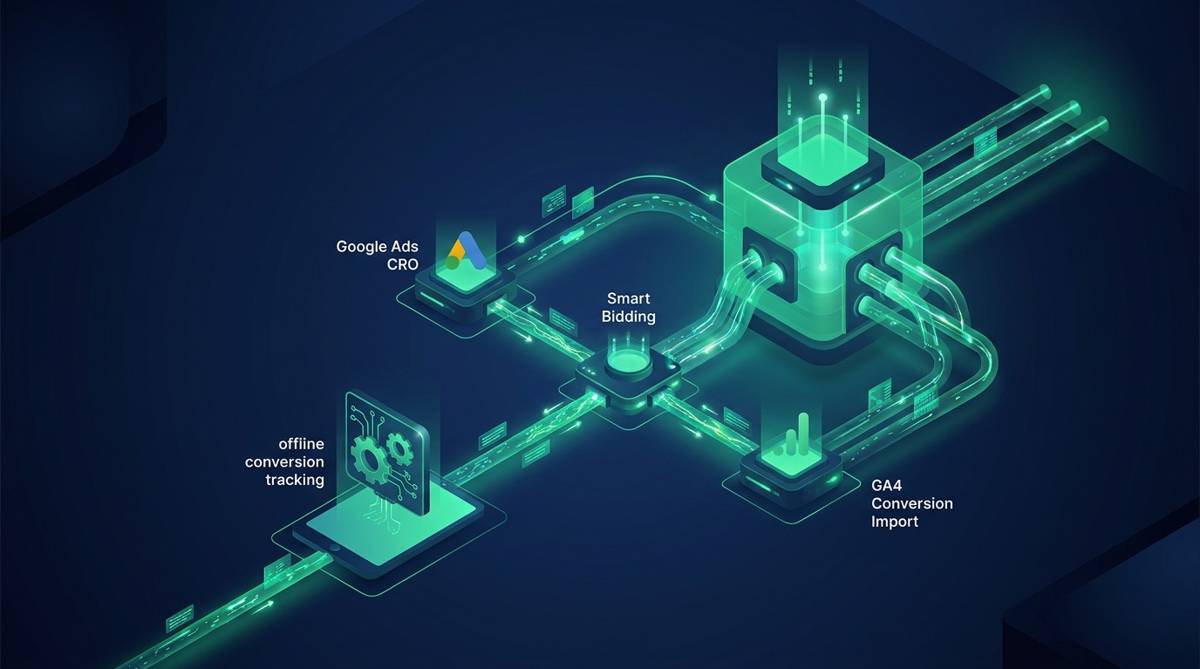

Unlock the full potential of your campaigns with advanced Google Ads CRO by ensuring your Smart Bidding strategy is fueled by complete and accurate data. Many advertisers unknowingly pay for clicks that lead to conversions offline, weeks later, or through high-value channels that Google's algorithm cannot see. This data gap leads to pursuing low-quality traffic that converts quickly but generates minimal revenue, undermining your entire advertising effort.
It is time to fix this disconnect. This guide will show you precisely how to provide Google with the complete picture, from implementing offline conversion tracking to leveraging GA4 conversion import. The goal is simple: to shift your optimization focus from misleading performance indicators to real, measurable profit and achieve genuine ROAS optimization.

The Hidden Flaw in Google Ads Smart Bidding
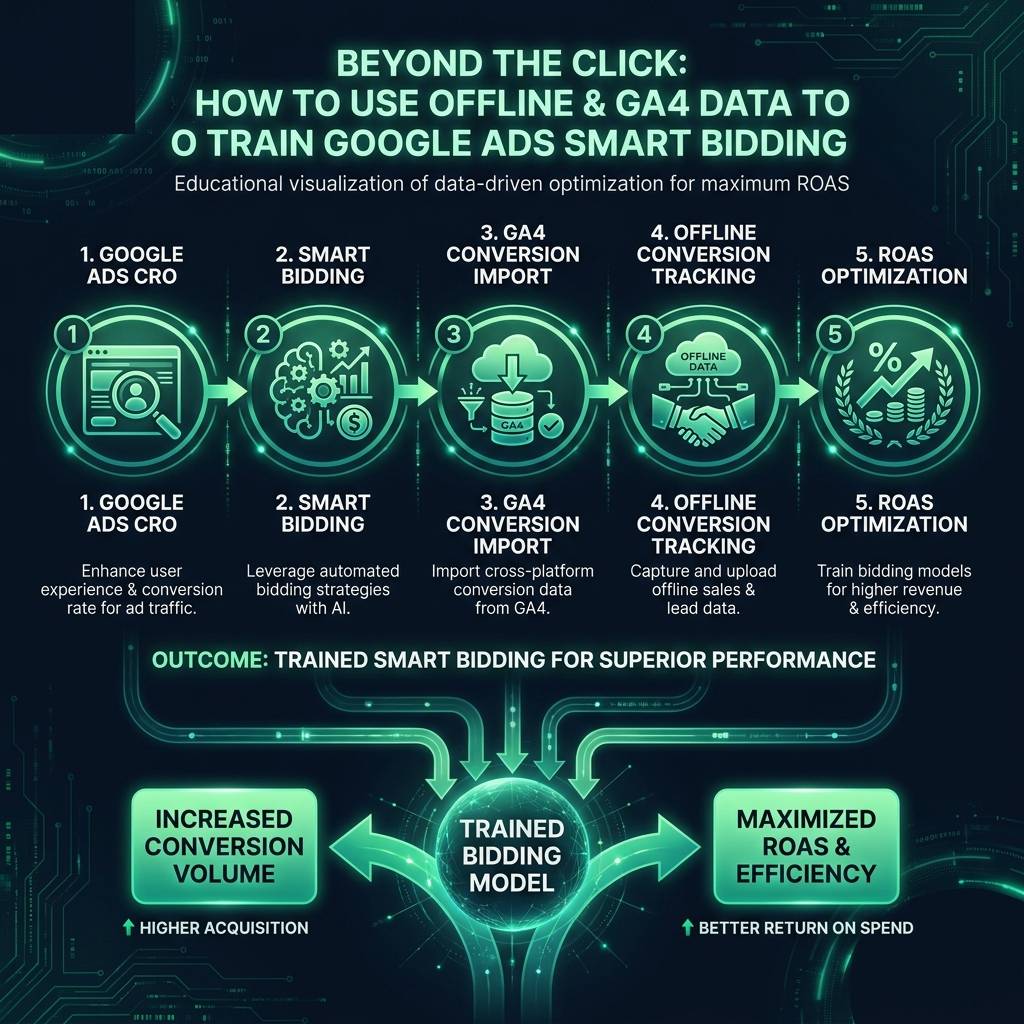
Smart Bidding appears revolutionary, using machine learning to predict which clicks will lead to a conversion. The critical flaw, however, is that it only knows what you tell it. If a valuable conversion happens outside the standard online tracking window - for example, through a call center or in a physical store - it is invisible to the algorithm, and your campaigns will underperform.
Consider this common e-commerce scenario. A user clicks your ad, browses your products, but does not purchase immediately. Two days later, they return directly to your site and complete a purchase worth 400 units of your currency. From the perspective of the original ad click, Google Ads registers zero conversion value. To the Smart Bidding algorithm, that initial click was worthless, and it learns to avoid similar users in the future.
The problem is even more pronounced for businesses with longer sales cycles. A prospect might click an ad, download a resource, and then engage with your sales team a week later, resulting in a large contract. Without offline conversion tracking, Google Ads has no knowledge of this success. It will continue to prioritize bidding on users who complete low-value forms immediately, even if they are not qualified leads.
A Baymard Institute study found that nearly 70% of online shopping carts are abandoned. Many of these shoppers return to purchase later, often through a different channel or device. If you only track same-session conversions, you are actively teaching Smart Bidding to ignore your most valuable customers.
Your algorithm is performing exactly as instructed; you have simply provided it with incomplete instructions. Real revenue is often generated through longer sales cycles, direct sales conversations, and in-person purchases. Until you feed this crucial data back into Google Ads, Smart Bidding will consistently favor conversion speed over long-term customer value, prioritizing a low-value impulse buy over a high-value, considered purchase.
How to Implement Offline Conversion Tracking in Google Ads
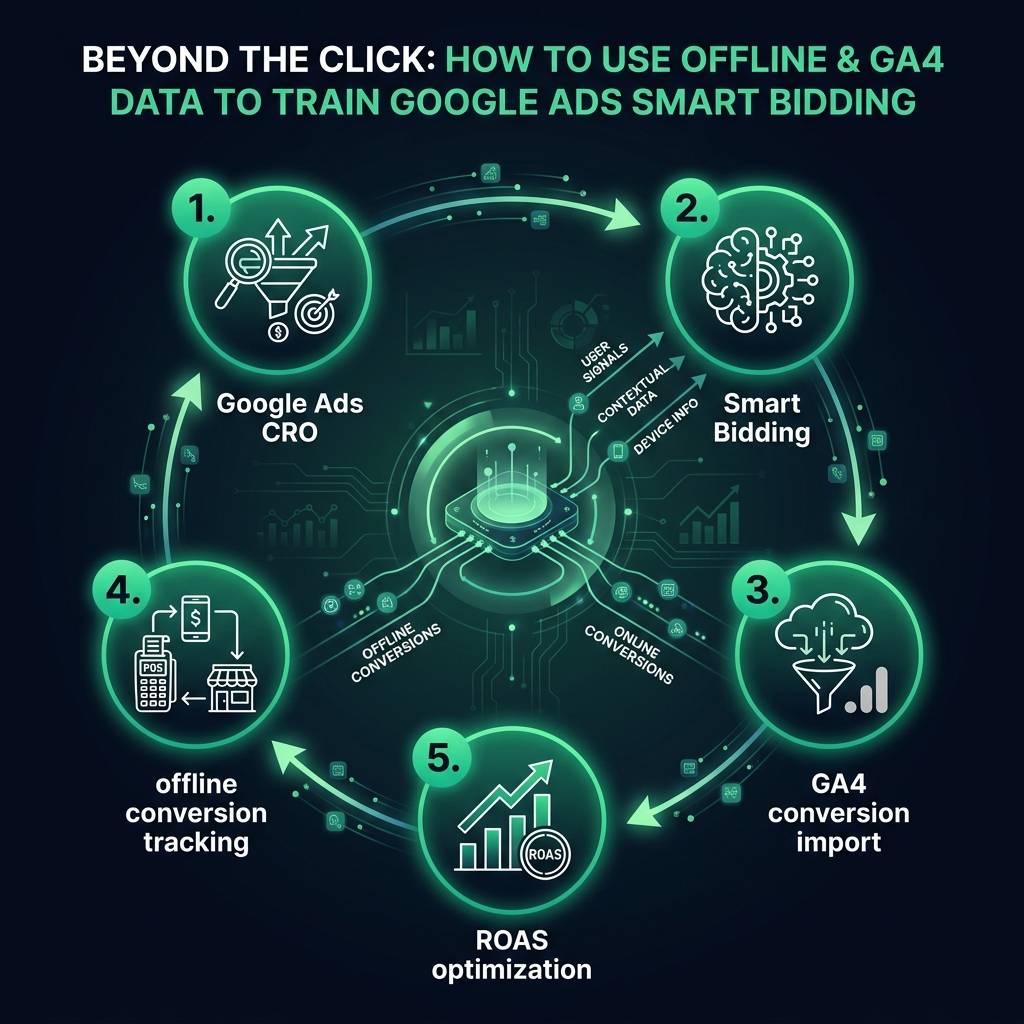
This is where offline conversion tracking becomes a fundamental tool for your Google Ads CRO. It is the mechanism for informing Google about valuable actions that happen away from your website, such as deals closed by your sales team, phone orders, or in-store purchases.
The process works by using the Google Click ID (GCLID). When a user clicks your ad, Google appends this unique ID to your landing page URL. Your systems must capture and store this GCLID in your CRM or other business software. When that user converts offline, you upload a file to Google Ads that matches their GCLID to the conversion event and its value.
Setting up offline conversion tracking involves a few key steps:
- Step 1: Enable Auto-Tagging. First, ensure GCLID auto-tagging is active in your Google Ads account. You can verify this by navigating to Settings > Account Settings > Auto-tagging. It should be enabled by default.
- Step 2: Capture the GCLID. Configure your website and CRM (or other business systems) to capture the GCLID parameter from the landing page URL and store it with the lead's information. Many modern CRM platforms have built-in integrations for this.
- Step 3: Create an Offline Conversion Action. In Google Ads, go to Tools & Settings > Measurement > Conversions and click "New Conversion Action." Select "Import," then choose "Other data sources or CRMs" and "Track conversions from clicks." Name your action something descriptive, like "CRM Closed Deal" or "Phone Sale."
Once set up, you can begin uploading your conversion data. You will need a simple CSV file containing the GCLID, conversion timestamp, and conversion value. For optimal performance, upload this data daily. Fresh data allows Smart Bidding to adapt and learn much more quickly than infrequent uploads.
Finally, and most critically, set an appropriate conversion window. If your typical sales cycle is 90 days, a default 30-day window will cause you to miss most of your conversions. Match the window to your actual sales cycle to ensure accurate attribution for longer-term customers.
Achieving True ROAS Optimization with Better Data
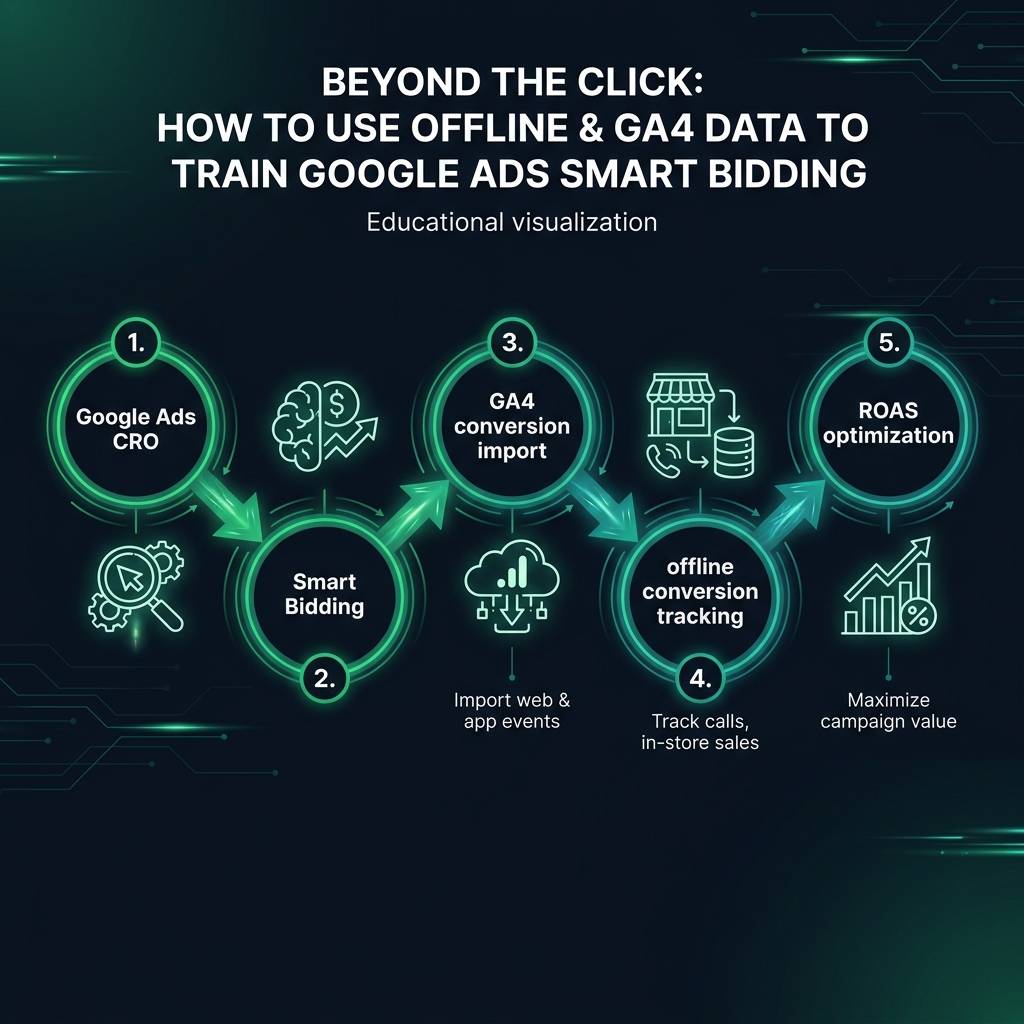
With a robust pipeline of high-quality conversion data established, you can finally execute a powerful ROAS optimization strategy. This means progressing from a Target CPA (Cost Per Acquisition) bidding model to a Target ROAS (Return On Ad Spend) model.