If you have ever observed users repeatedly clicking the same button on your website, you have witnessed rage clicks. These frantic, repeated clicks are more than a technical glitch; they are a clear signal of user frustration and a critical warning for your website's user experience (UX). Understanding and addressing rage clicks through effective user behavior analytics is crucial for improving conversions and preventing customer churn.
These rapid clicks are a clear warning sign that something on your site is not working as intended. They can severely damage your conversion rate, but the good news is that with the right approach, you can find and fix the underlying issues.
What Are Rage Clicks in UX Analysis?
A rage click occurs when a user clicks on the same spot on your website multiple times in quick succession. Think of it as the digital equivalent of repeatedly pressing an elevator button that is not lighting up. This specific user behavior is a symptom of a deeper problem with your site's usability.
It usually indicates one of three common issues:
Misleading Design: An element appears to be a button or link but is not interactive.
Broken Functionality: A clickable element is broken. This can be due to a script error, a form that fails to submit, or a button with no action.
Lack of Feedback: The user clicks, and while an action may occur in the background, there is no visual confirmation that it was successful - no loading indicator, no success message, or any other response.
Research from the Baymard Institute highlights this issue, finding that 18% of users who abandon e-commerce shopping carts do so because they perceive the website as being fundamentally broken - not merely slow or confusing. This is the critical message that rage clicks convey.
When you observe rage clicks, you are watching potential customers try - and fail - to complete a transaction with your business.
How Rage Clicks Damage Conversions and User Experience
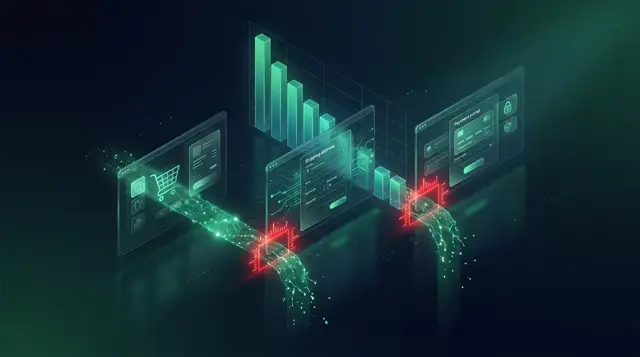
Rage clicks often occur in business-critical areas of your website, such as checkout flows and sign-up forms. As part of a thorough UX analysis, your goal is to identify and resolve these friction points before they cause further damage to your sales and brand reputation.
Checkout forms are a common source of this problem. For example, a customer fills out their details, clicks "Continue," and nothing happens. They click again, and again, unaware that a form validation rule has rejected an entry without displaying an error message.
Product pages are another frequent location for rage clicks. Interactive elements like image galleries that do not respond to swipes, size selectors that appear clickable but are not, and "Add to Cart" buttons that lack immediate feedback are all common causes of user frustration.
EyeCaptain
Conversions Booster
Users decide in 3 seconds — are you losing them?
If your page doesn't hook visitors instantly, they're gone. Get a full breakdown of what's causing friction above the fold.
On mobile devices, these usability issues can be especially damaging. Small touch targets, overlapping elements, and buttons obscured by fixed headers can create a cascade of user frustration. While your desktop site may function perfectly, with a majority of web traffic originating from mobile devices globally, a poor mobile experience is a significant business risk.
Beyond the Immediate Sale: The Long-Term Cost of Frustration
The negative impact of rage clicks extends beyond a single lost sale. Sometimes, a persistent user will eventually overcome the obstacle and complete their purchase. It can be tempting to view this as a success, but this assumption can be costly.
That customer now associates your brand with a frustrating experience. While they completed one purchase, they are far less likely to become a repeat customer. This can lead to a decline in customer lifetime value and retention rates. The checkout process may function on a technical level, but it fails on a human level, eroding trust and loyalty.
How to Find and Fix Rage Clicks with User Behavior Tools
You cannot fix a problem you cannot see. While standard analytics tools show you what page a user exited from, they do not explain why. To understand the user's intent and frustration, you need specialized user behavior analytics tools.
Step 1: Use Heatmaps and Session Replays for Click Tracking
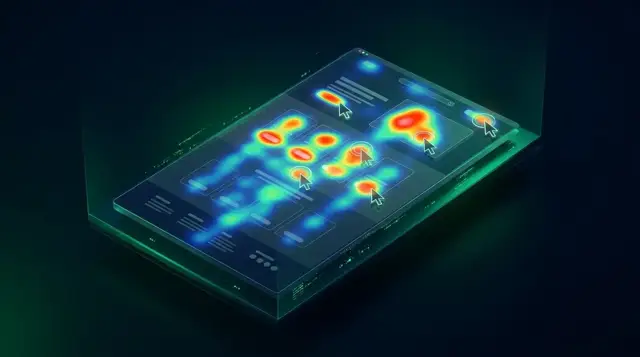
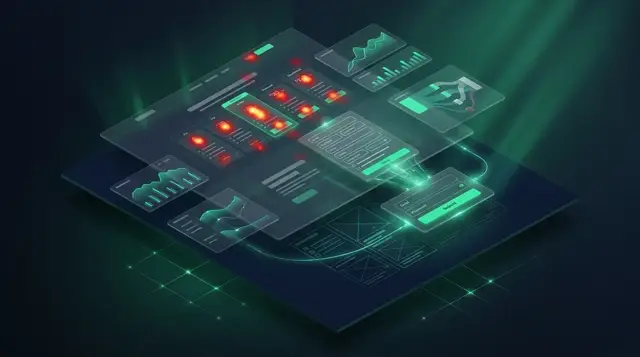
Start by employing tools that offer detailed click tracking, such as heatmaps and session recordings. A heatmap tool aggregates all clicks on a page into a visual overlay, instantly revealing "hotspots" where users click repeatedly. Session replays provide video-like recordings of individual user journeys, allowing you to see the rage clicks happen in their full context.
When this interaction data is overlaid on your website, problem areas become immediately apparent. As a general guideline, if more than 5% of user sessions on a given page involve rage clicks on a single element, you have identified a critical issue that requires immediate attention.
Step 2: Replicate the Issue to Identify the Root Cause
Once your analytics tools highlight a problem area, the next step is to reproduce the issue yourself. Test using the same browser, device, and network conditions as the affected users. It is important to remember that some bugs only appear under specific circumstances, such as on a slower mobile network or a particular browser version, which are common in many global markets.
Begin by addressing clear technical bugs, such as broken scripts, failed server requests, or missing error messages. Next, focus on UX improvements. For example, redesign non-interactive elements that look clickable, add loading indicators to provide immediate feedback after a click, and ensure form validation messages are displayed instantly and clearly.
Step 3: Implement the Solution and Verify the Result
After deploying a fix, do not assume the problem is resolved. The final step in any effective UX analysis cycle is verification. Monitor new session recordings to confirm that rage clicks on the problematic element have ceased. Also, observe whether users now hesitate or click incorrectly on a different element. A true solution resolves the core issue, rather than just shifting the user's frustration elsewhere.
The most successful websites are not those with zero issues, but those that are dedicated to continuously finding and fixing them. Consider rage clicks to be a form of free, direct feedback from your users. They are showing you exactly where your website needs to improve.
Enjoyed this article?
One short email a week with practical CRO and UX tips
No spam. Unsubscribe anytime.
Find what stops your visitors from converting
EyeCaptain is an AI-powered CRO & UX audit tool that automatically scans your pages, identifies UX issues, and gives you actionable optimization suggestions to increase conversions. Try it for free, no card, no commitment.