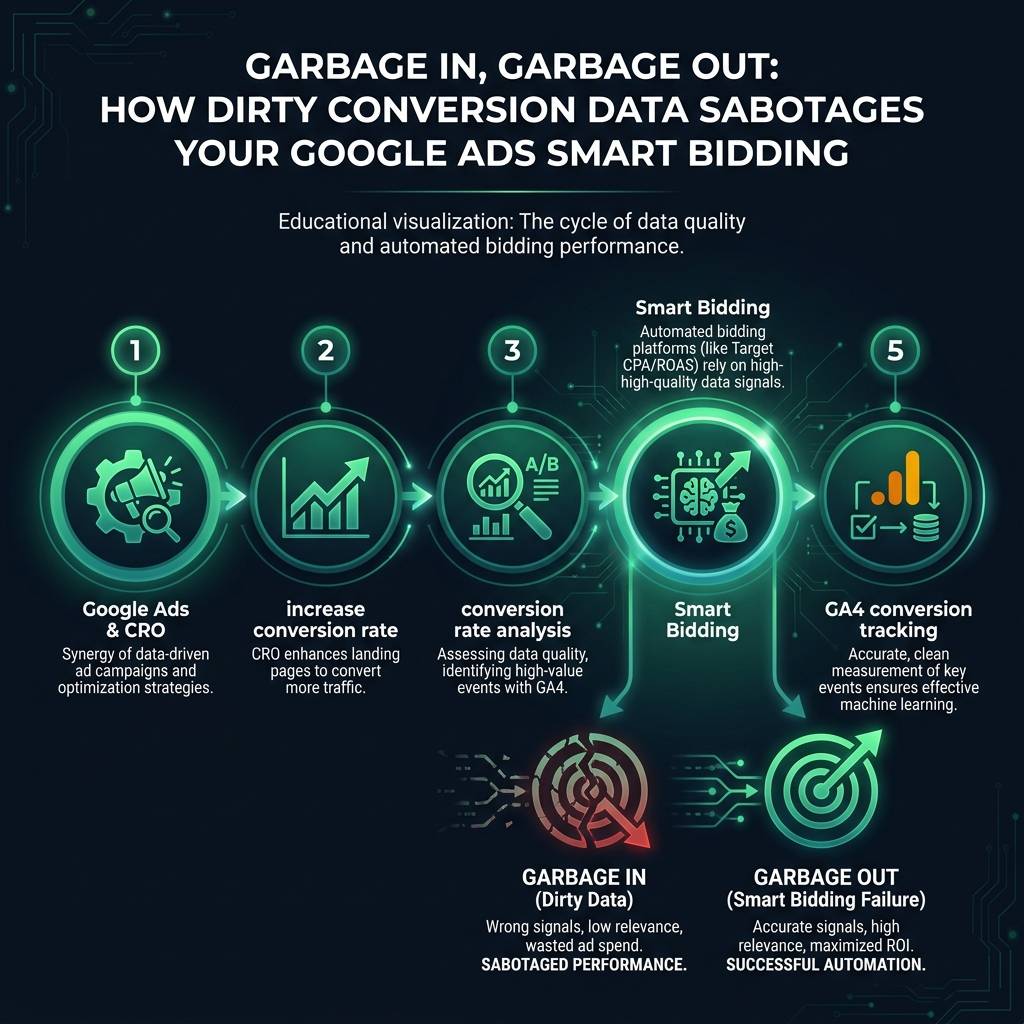
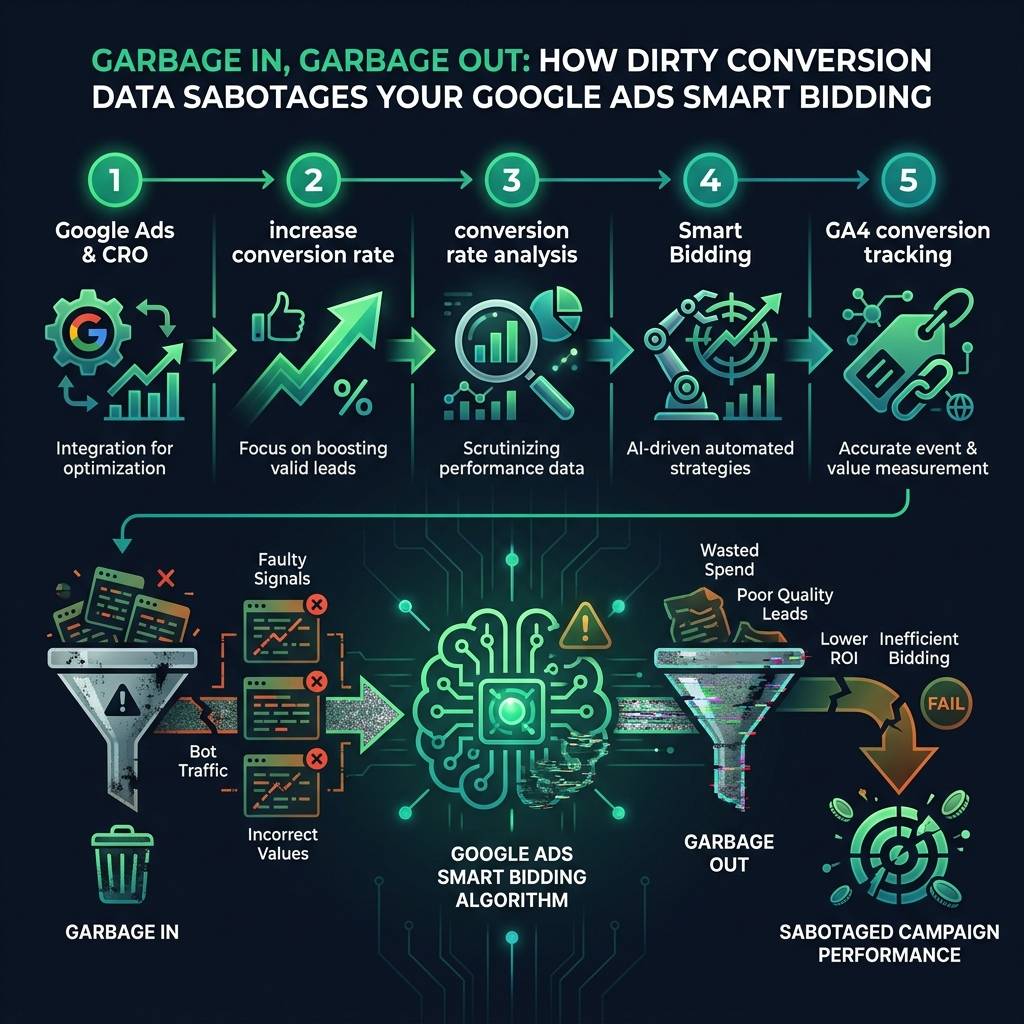
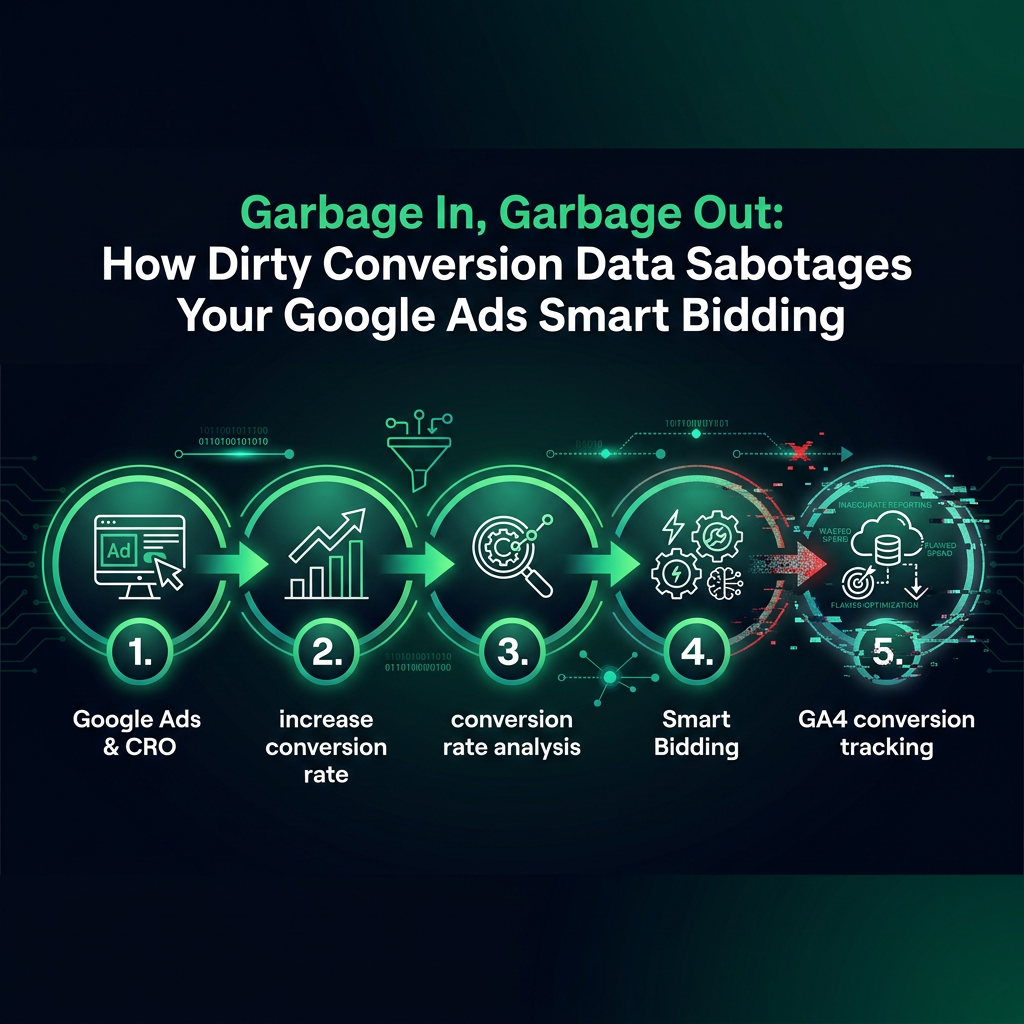
If your efforts with Google Ads & CRO are not delivering the expected results, the issue might not be your ad copy or targeting. The often-overlooked cause is flawed conversion data, which compromises your Smart Bidding algorithms. By conducting a proper conversion rate analysis and correcting your GA4 conversion tracking, you can stop wasting your budget and finally increase your conversion rate with data-driven precision.
Why Flawed Data Undermines Your Google Ads & CRO Strategy
You have set up your campaigns, enabled Smart Bidding, and are expecting sales to increase. Instead, the algorithm appears to be attracting low-quality clicks that never convert. This is not a failure of the technology; it is a direct result of providing it with inaccurate data. A successful CRO (Conversion Rate Optimization) strategy depends on clean data, and your Google Ads campaigns are no different.
Smart Bidding is only as intelligent as the signals you provide. When your conversion tracking system mistakenly counts bot traffic, duplicate events, or abandoned carts as successful conversions, you are training a powerful algorithm to optimize for irrelevant signals. This fundamental error costs you money every day.
The Link Between Poor GA4 Conversion Tracking and Smart Bidding Failure
Smart Bidding algorithms process thousands of signals - device type, location, time of day, user history - to predict which clicks are most likely to lead to a conversion. This prediction is based entirely on your historical conversion data.
But what happens when your GA4 conversion tracking is configured incorrectly? Imagine it treats a low-value newsletter signup with the same importance as a high-value purchase. The algorithm cannot discern the difference in value, so it might bid equally for both. This leads to overpaying for low-value actions while missing opportunities to acquire high-value customers.
eyecaptain.io
The Baymard Institute found that nearly 70% of online shopping carts are abandoned. If your tracking is set up improperly, many of these abandonments can be misreported as sales, causing your Smart Bidding to optimize for 27 reported conversions when only 23 actual sales occurred.
This is not a minor discrepancy. When your conversion data is inaccurate by as little as 15%, the effectiveness of Smart Bidding can diminish significantly. Your Cost Per Acquisition (CPA) increases, your Return On Ad Spend (ROAS) decreases, and you may incorrectly blame the platform for what is, in reality, a data integrity problem.
How to Perform a Conversion Rate Analysis to Fix Your Data
To truly increase your conversion rate, you must ensure that every conversion Google Ads reports is a legitimate business outcome. Here is how to conduct a thorough conversion rate analysis and audit your data.
Step 1: Analyze Cross-Device Performance in GA4
Start by examining your conversion rates across different devices in your Google Analytics 4 data. If you see a healthy 3.2% desktop conversion rate but a very low 0.4% on mobile, this is a significant indicator of a problem. While some difference is normal - NNGroup research suggests mobile rates are often lower than desktop rates - a large gap points to either a severe user experience issue or, more likely, faulty mobile tracking.
EyeCaptain
97%
Conversions Booster
Your visitors leave without converting
Most websites lose 97% of their traffic without a single conversion. Our AI scans 200+ CRO elements to find exactly where visitors drop off.
Carefully examine your conversion data timestamps. Do you see large clusters of conversions firing at the exact same second? This is a common sign of duplicate events from a misconfigured trigger. Are you getting a surge of "sales" in the middle of the night with no corresponding traffic? You may have a bot problem. Any conversion reported before the ad click is a clear indicator of flawed attribution settings.
eyecaptain.io
Step 3: Reconcile Ad Data with Your System of Record
This is the most critical check. Compare the conversion count in Google Ads to your actual order database or CRM - your true source of revenue. If Google Ads reports 200 conversions but your e-commerce platform shows only 147 orders, you are feeding Smart Bidding 53 non-existent sales. You can perform a manual audit by exporting transaction IDs from Google Ads and matching them against your order IDs. Any conversion without a matching order is a contaminant in your data.
Resetting Smart Bidding After Fixing Your Tracking
Simply fixing your GA4 conversion tracking for the future is not enough; you must address the corrupted historical data that is still influencing your campaigns. Smart Bidding typically uses a 30-90 day lookback window, so inaccurate data will continue to cause problems for months.
The Smart Bidding Reset Strategy
After you have confirmed your tracking is accurate, consider a reset strategy: pause your affected campaigns for 48 hours. This helps clear the algorithm's learning phase. When you reactivate them, Smart Bidding begins learning from a fresh set of accurate data. A temporary pause in traffic is a worthwhile trade-off to prevent further budget waste on poorly optimized bids.
Alternatively, you can create entirely new campaigns, copying the structure of the old ones. This starts the campaign with a completely clean conversion history. If the new campaigns quickly outperform the old ones, it confirms that poor data quality was the root cause of your performance issues.
The Best Practice: What Clean Conversion Data Looks Like
eyecaptain.io
Effective conversion tracking goes beyond a simple binary signal. To truly empower Smart Bidding, your data must capture three key elements: what converted, how much it was worth, and how certain you are it was a real transaction.
Passing dynamic transaction values is crucial. A campaign generating 10 conversions worth a total of 2,000 currency units is far superior to one with 50 conversions worth 500 units. Without value data, Smart Bidding will incorrectly favor the campaign with the higher conversion volume.
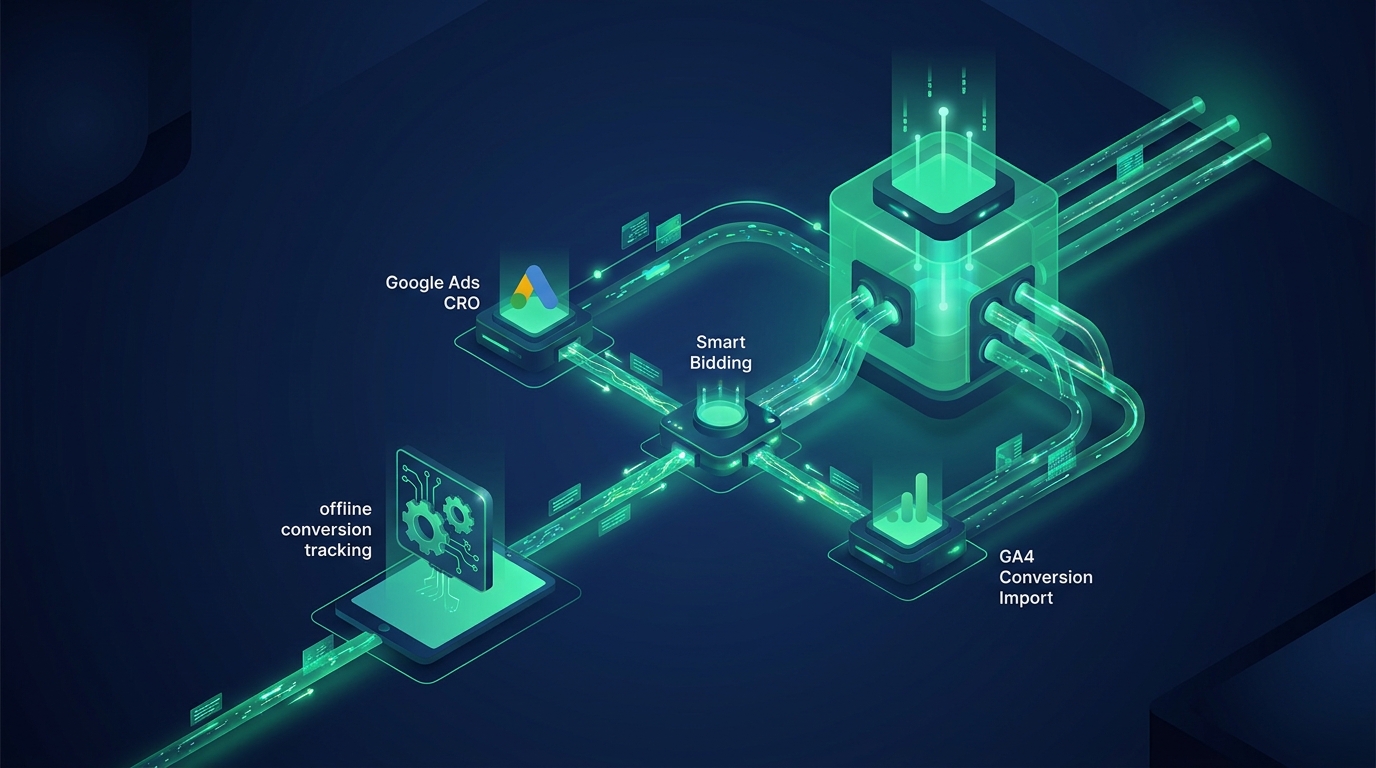
The optimal solution for data integrity is server-side conversion tracking. This method sends conversion data directly from your server to Google Ads, often triggered by an event from your payment processor. This bypasses client-side issues like ad blockers, cookie restrictions, and browser errors, ensuring that only verified, real transactions are reported. This is the key to building a reliable feedback loop that allows Smart Bidding to perform as intended: finding more of your most valuable customers.
Enjoyed this article?
One short email a week with practical CRO and UX tips
No spam. Unsubscribe anytime.
Find what stops your visitors from converting
EyeCaptain is an AI-powered CRO & UX audit tool that automatically scans your pages, identifies UX issues, and gives you actionable optimization suggestions to increase conversions. Try it for free, no card, no commitment.