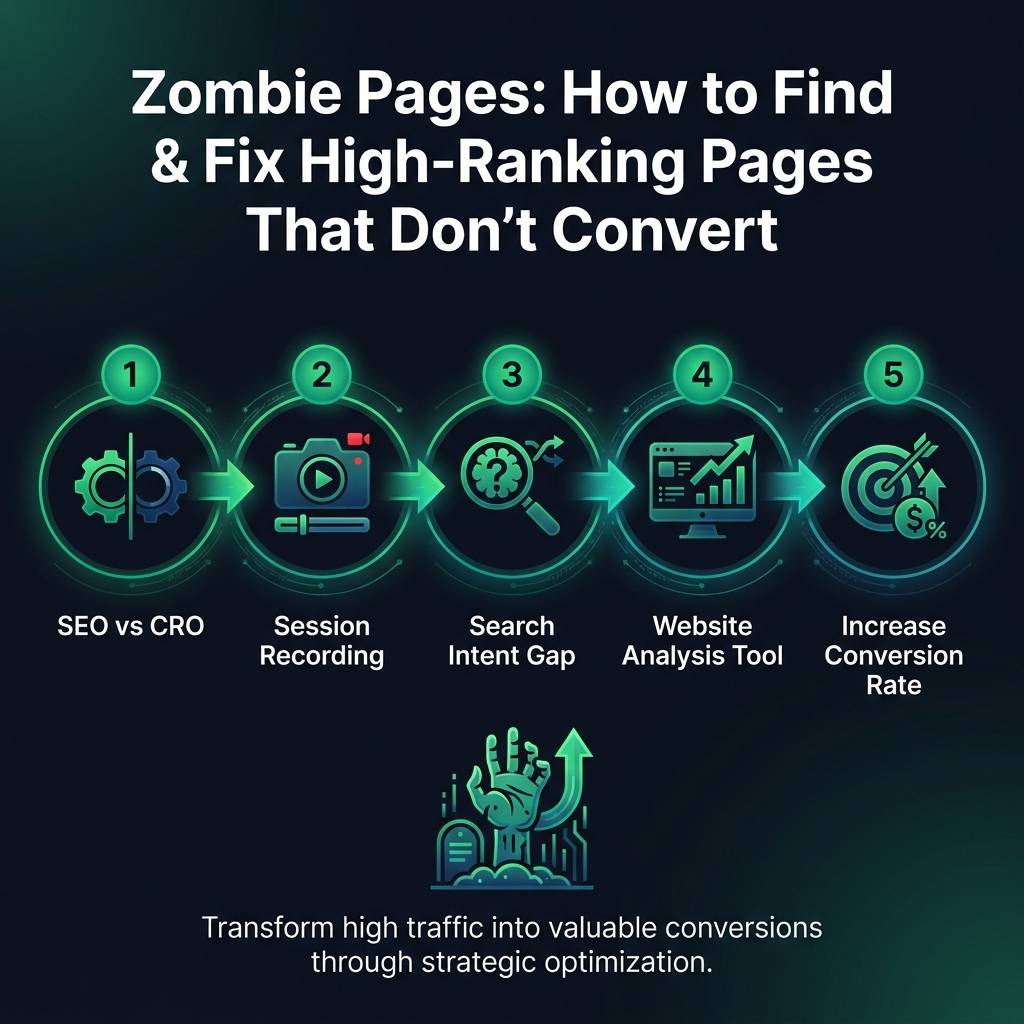
Infographic για digital marketing - οπτικοποίηση εννοιών SEO vs CRO, session recording, search intent gap
    eyecaptain.io

    Zombie Pages: How to Find & Fix High-Ranking Pages That Don't Convert

    Your best-ranking pages aren't converting? Discover how to identify zombie pages and turn them into revenue drivers with proven techniques.

    EyeCaptain

    Dimitris

    24 August 2026

    4 min read
    56 views
    SEO vs CROsession recordingsearch intent gapwebsite analysis toolincrease conversion rate

    Are you achieving high search rankings and seeing significant traffic, yet your sales and leads are not increasing? This common frustration highlights the classic challenge of SEO vs CRO. You have successfully attracted visitors, but you have not convinced them to take action. This guide will help you diagnose the issue by identifying "zombie pages," understanding the crucial search intent gap, and using the right website analysis tool to finally increase your conversion rate and turn traffic into revenue.

    What Are Zombie Pages and Why Do They Exist?

    A zombie page is a page on your website that ranks well in search engines and receives substantial traffic but fails to generate any meaningful business results. No sales, no sign-ups, no leads - just empty visits that consume your marketing budget. They appear healthy in analytics reports but are inactive when it comes to your business goals.

    This problem almost always originates from a search intent gap. This is the critical disconnect between what a user expects to find when they click your link and what your page actually delivers. You successfully optimized for a keyword, but you failed to satisfy the underlying reason a person was searching for it in the first place.

    An electronics retailer had a blog post ranking highly for "best wireless headphones 2024." It generated immense traffic, attracting thousands of visitors monthly. The number of sales from that page? Fewer than twenty. The page was a detailed comparison but offered no clear path to purchase. Visitors came, learned what to buy, and then left to purchase from a competitor.

    This is a perfect example of the conflict between SEO vs CRO (Conversion Rate Optimization). Many businesses focus on one or the other - either pursuing traffic or optimizing conversions - but few build a bridge between the two. With global e-commerce cart abandonment rates hovering around 70%, zombie pages only worsen the problem by attracting the wrong audience or failing to guide the right one.
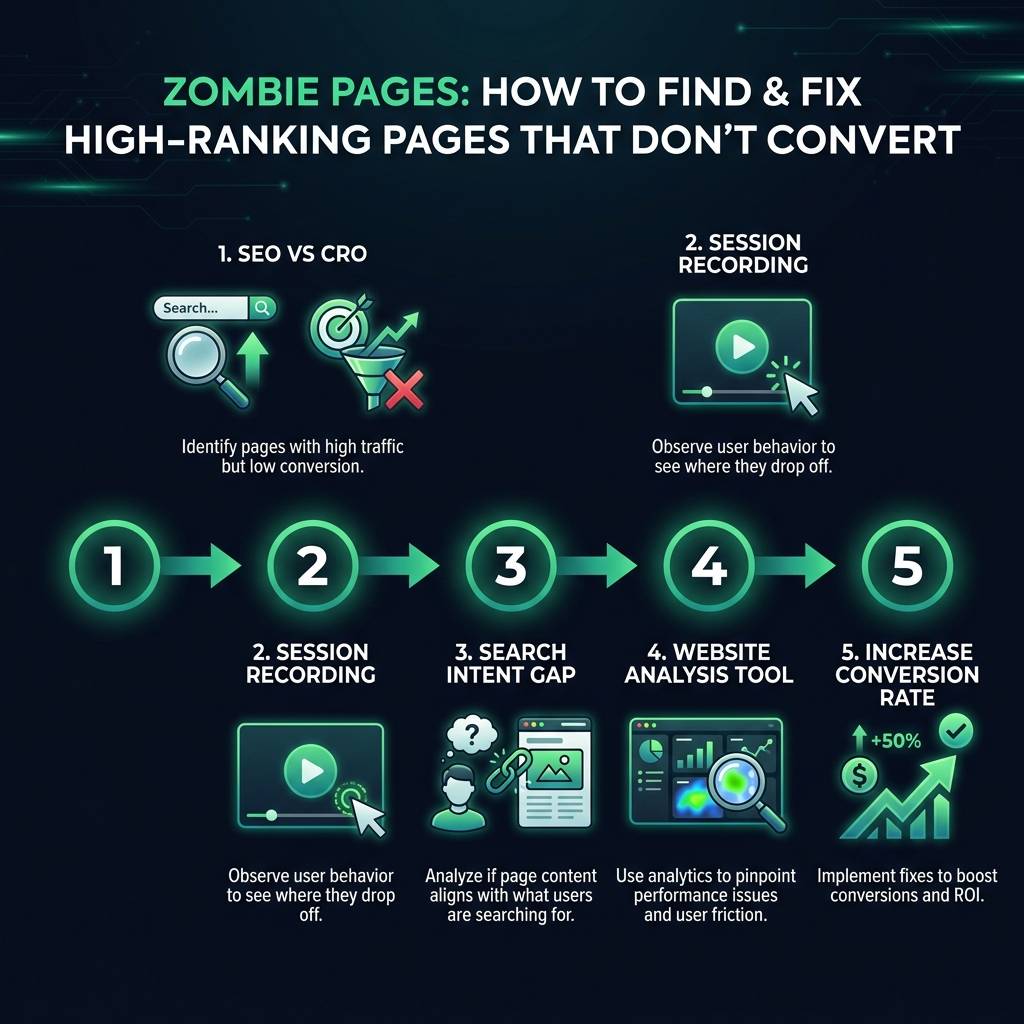
    Zombie Pages: How to Find & Fix High-Ranking Pages That Don't Convert infographic showing SEO vs CRO, session recording, search intent gap for digital marketing
    EyeCaptain
    eyecaptain.io

    How to Find Zombie Pages with Data-Driven Website Analysis

    Ready to identify your conversion-killing pages? You only need to analyze three key metrics: traffic volume, conversion rate, and revenue per session. Using a robust website analysis tool like Google Analytics is the perfect place to start.

    In Google Analytics 4, navigate to the "Pages and screens" report under the Engagement section. Sort your pages by sessions to see your highest-traffic content first. Next, add "Conversions" as a secondary column. Any pages in your top 20 with a conversion rate significantly below your site average are your primary suspects.

    However, traffic and conversions alone do not provide the complete picture. A page might have a low 0.8% conversion rate, but if those conversions are for your highest-value enterprise service, it is a valuable asset. This is why revenue per session is the ultimate metric. Simply divide a page's total revenue by its total sessions. A page with high traffic, a low conversion rate, AND low revenue per session is a confirmed zombie page.

    Use Session Recording to Understand User Behaviour

    Analytics tell you what happened, but they cannot tell you why. To understand the user experience, you need to see what people are actually doing on your site. This is where a session recording tool becomes an indispensable part of your website analysis toolkit.

    Session recording software reveals everything analytics miss: user hesitation, repeated clicks on broken elements, and moments of frustration. While heatmaps show aggregate click patterns, session recordings show individual user journeys and where their interest fades. Watch 20 recordings for a suspected zombie page, and you will likely spot a pattern. Perhaps users are endlessly scrolling for information that is not there, or the call-to-action is unclear.

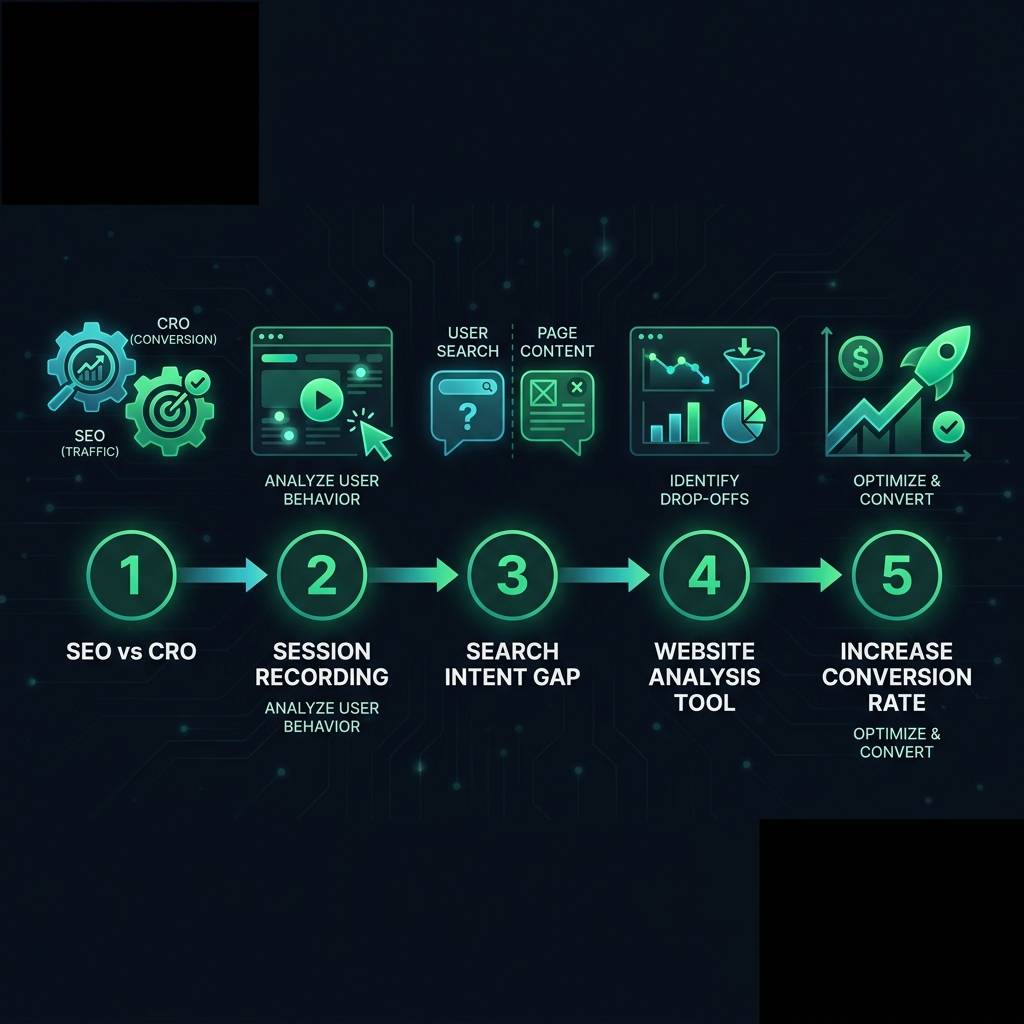
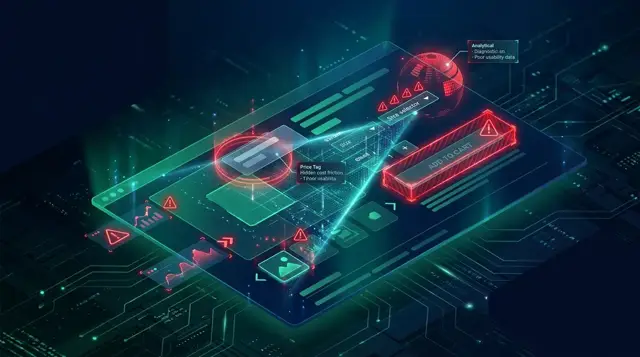
    Zombie Pages: How to Find & Fix High-Ranking Pages That Don't Convert infographic showing SEO vs CRO, session recording, search intent gap for digital marketing
    EyeCaptain
    eyecaptain.io

    Perform a Search Intent Gap Audit

    Do not assume high traffic means you are attracting the right audience. Go to Google Search Console and inspect your zombie page's query report. These are the actual phrases people used in their search to find your page.

    EyeCaptainEyeCaptain
    97%
    Conversions Booster

    Your visitors leave without converting

    Most websites lose 97% of their traffic without a single conversion. Our AI scans 200+ CRO elements to find exactly where visitors drop off.

    Hero CTA missing

    Often, you will discover a significant mismatch. You created a guide for "how to choose running shoes" (informational intent), but you are ranking for "affordable running shoes" (transactional intent). Your educational content is a dead end for a user who is ready to buy. This is the search intent gap in action. To fix it, you must either align your content with the actual search queries or create a new page that does.

    A 3-Step Framework to Increase Your Conversion Rate

    Once you have identified your zombie pages and diagnosed the problem, it is time to revitalize them. Follow this simple framework to align your content with user needs and boost performance.

    Step 1: Align Content with User Intent

    Your page must deliver on the promise made in the search results. If search queries are transactional (using words like "buy," "price," "deal"), your page must feature products, pricing, and a clear "Add to Cart" button. If queries are informational ("how to," "what is," "best"), the page should provide comprehensive answers and perhaps a softer call-to-action, like an email newsletter subscription.

    Step 2: Ensure Absolute Clarity

    A user must understand what to do within seconds of landing on your page. According to the Nielsen Norman Group, users spend most of their time on the part of the page visible without scrolling. If your primary call-to-action is at the bottom of the page, most visitors will never see it. Make your value proposition and the next step immediately obvious.

    Zombie Pages: How to Find & Fix High-Ranking Pages That Don't Convert infographic showing SEO vs CRO, session recording, search intent gap for digital marketing
    EyeCaptain
    eyecaptain.io

    Step 3: Remove All Friction

    Every unnecessary step, form field, or pop-up is a reason for a user to leave. Use session recording to identify exactly where users get stuck or frustrated. An online course provider discovered their sign-up form was hidden below a long wall of text. By moving it to the top of the page, they managed to increase the conversion rate from 1.2% to 8.7%.

    Know When to Remove a Page

    Sometimes, the best strategy is to eliminate a zombie page entirely. If the traffic is completely irrelevant and cannot be monetized or redirected effectively, the page is wasting your resources. In these cases, delete the page and redirect the URL to a more relevant, high-converting page on your site.

    The goal is not just to get more traffic; it is to get more value from the traffic you have. By bridging the gap between SEO and CRO, you will see the revenue per session for your pages climb. When it comes to website performance, quality is truly more important than quantity.

    Enjoyed this article?

    Join 1,500+ professionals getting weekly CRO & UX tips

    🎁 Bonus: Weekly CRO insights + exclusive resources

    No spam. Unsubscribe anytime.

    🚀 Boost Your Conversion Rate with EyeCaptain

    EyeCaptain is an AI-powered CRO & UX analysis tool that automatically scans your pages, identifies UX issues, and gives you actionable optimization suggestions to increase conversions. Try it for free, no card, no commitment.

    Free CRO Audit

    Did you find this helpful?

    Share it with someone who might find it useful.

    Be the first to learn CRO secrets

    Actionable tips, case studies & early access to new AI tools. Weekly in your inbox.

    1,200+ marketers trust us

    Cookie Settings

    We use cookies to improve your experience.