
Learning how to do a UX audit is the first step toward improving a website that is losing customers and revenue. If your users hesitate, get confused, or navigate away, you are losing potential sales. This guide will walk you through essential UX optimization techniques to identify issues, reduce user effort, and ultimately improve your conversion rates by focusing on what your users truly need.
How to Do a UX Audit to Uncover Conversion Blockers
A great user experience (UX) is more than just visual design; it is about understanding user psychology. When a website is difficult to navigate, it directly impacts your business results. The goal of a UX audit is to identify these exact moments of user frustration.
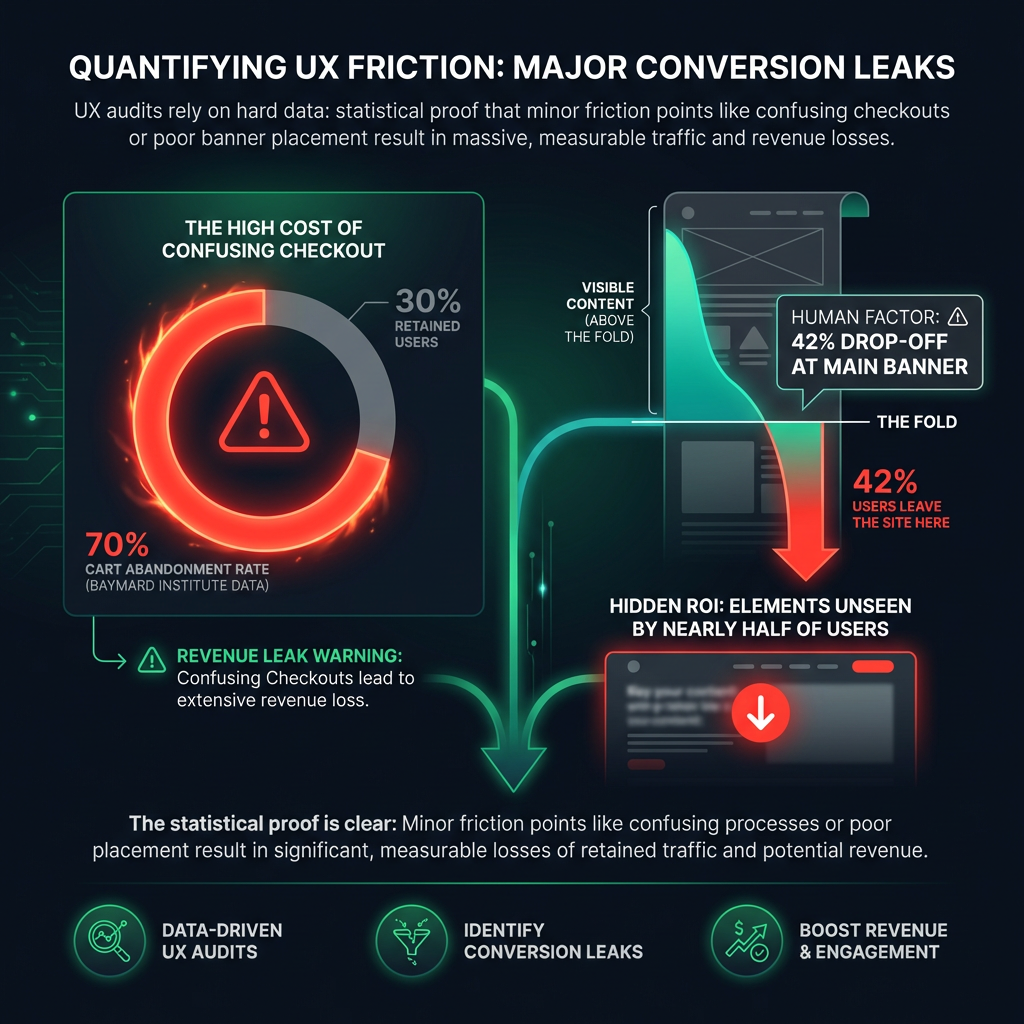
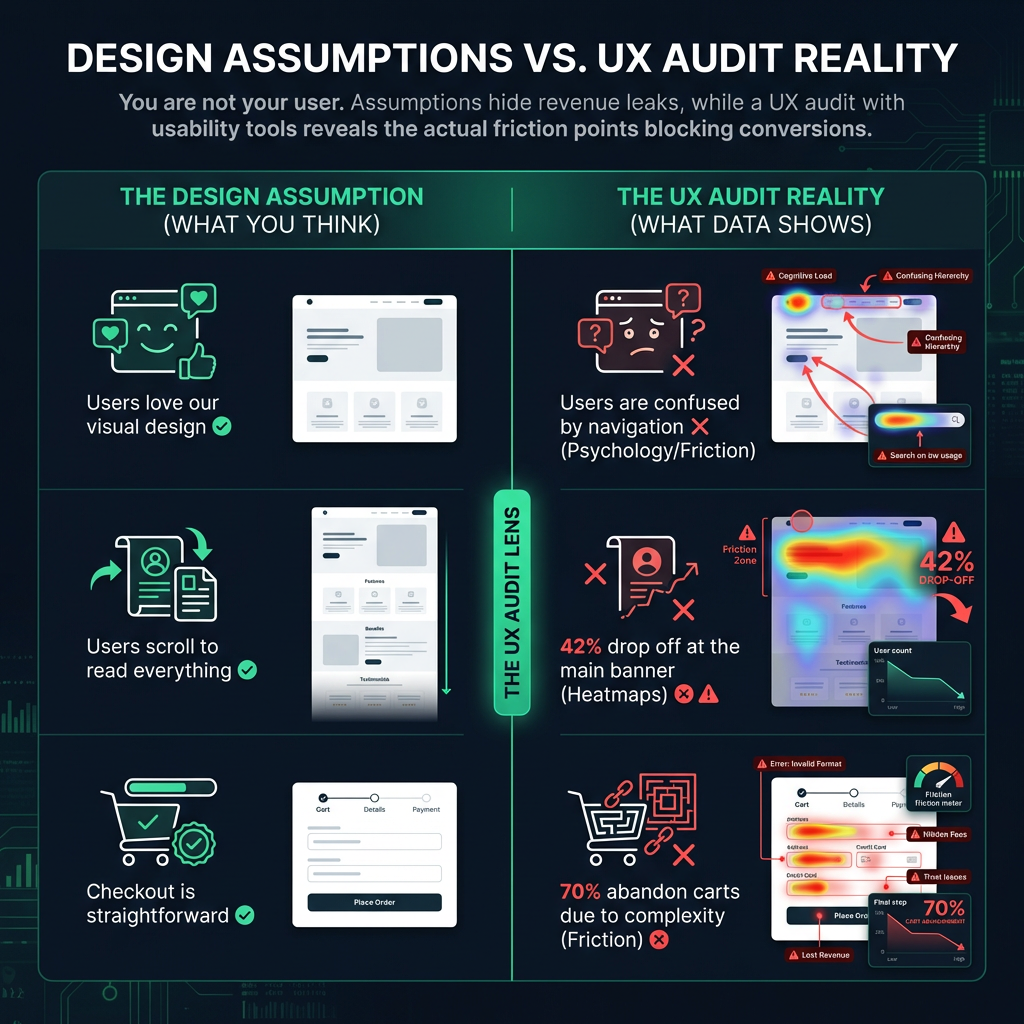
Research from the Baymard Institute shows that nearly 70% of online shopping carts are abandoned. A complicated or confusing checkout process is a primary reason. These are not just statistics; they represent lost sales and customers.
See Your Website Through Your Users' Eyes
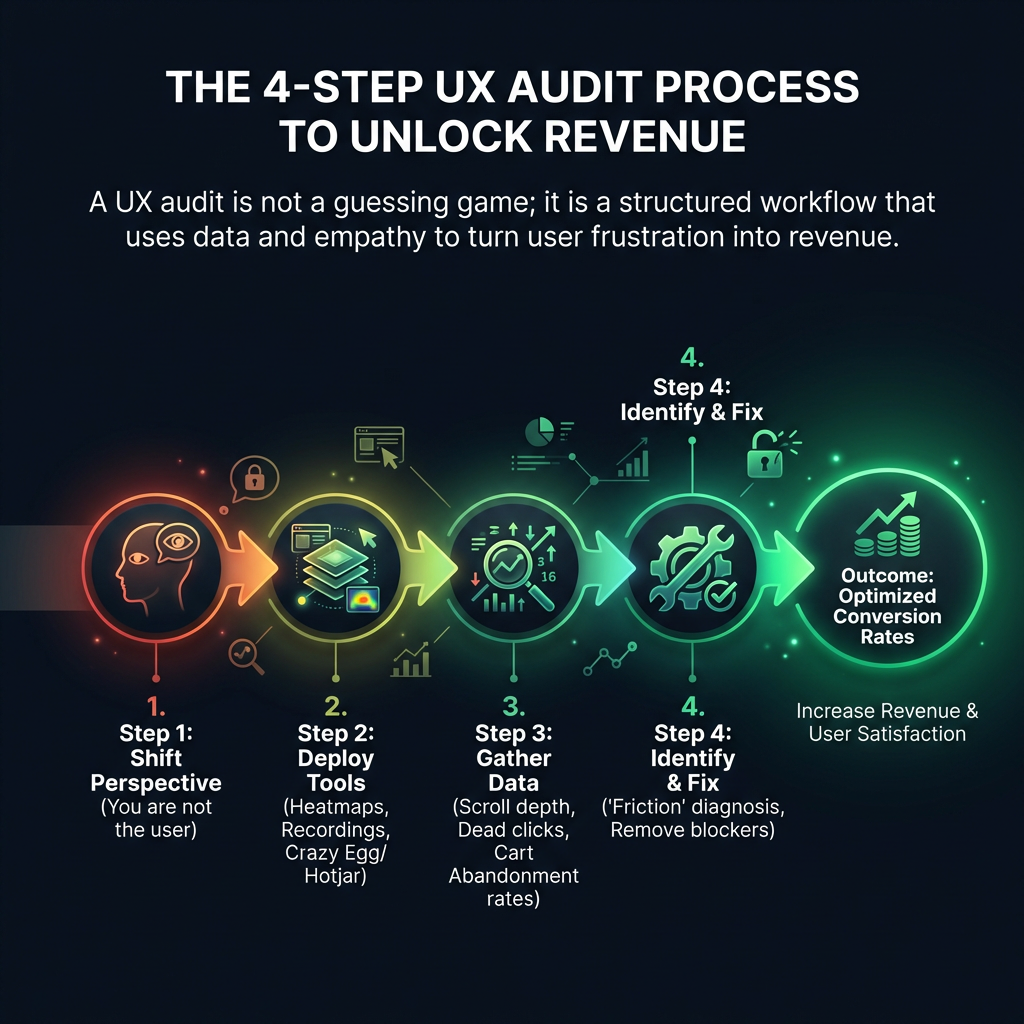
A successful UX audit begins with a fundamental principle: you are not your user. Your primary objective is to build a smooth, intuitive path that anticipates your user's needs. To achieve this, you must analyze their behavior to understand their journey and challenges.

Leverage Usability Testing Tools
To begin, you need data. Modern usability testing tools provide invaluable insights into user behavior. For example, tools like Hotjar or Crazy Egg offer features like heatmaps, which show you exactly where people are clicking, how far they scroll, and which elements they ignore. In one analysis of a SaaS platform, we discovered that 42% of visitors never scrolled past the main banner, meaning all the critical calls-to-action below it were never seen.
Reduce UX Friction to Boost Conversions
Online success is often determined by small, seemingly minor details. Every moment of confusion a user feels - what we call "friction" - accumulates, leading to high bounce rates and abandoned journeys. Studies have shown that a page load delay of just one second can decrease conversions by up to 20%. The key is to reduce UX friction for better conversions by making every interaction as effortless as possible.
Go beyond aggregated data and watch individual user session recordings. This is one of the most powerful UX optimization techniques. Look for the specific places where users get lost in your navigation, hesitate during checkout, or struggle to use your site on a mobile device. The goal is not perfection; it is the continuous process of eliminating friction, one small improvement at a time.
Focus on User Experience Micro-Conversions
Not every valuable action is a final purchase. Optimizing for user experience micro-conversions - smaller steps a user takes on their journey - is critical. These actions indicate engagement and move users closer to your main business goal. A UX audit should identify friction points that prevent these actions, such as: