LCP Optimization for E-commerce: Crushing Site Speed and Boosting Conversions
Struggling with slow page loads? Discover how to slash LCP times and turn website visitors into customers in under 2.5 seconds.
Dimitris
04 June 2026
4 min read
213 views
LCP optimizationCore Web Vitals conversion impactpage speedecommerce UXwebsite optimization
Your e-commerce site is bleeding money. Every second of load time costs you potential customers.
Largest Contentful Paint (LCP) isn't just a technical metric — it's your make-or-break moment for conversions. When your page takes longer than 2.5 seconds to load, you're essentially telling customers 'wait' in a world that demands instant gratification.
HEADING: How LCP Destroys Your Conversion Rates
Baymard Institute research reveals a brutal truth: 53% of mobile users abandon sites that take longer than 3 seconds to load. Your LCP time isn't just a number — it's a direct revenue killer.
What exactly happens in those critical milliseconds? Imagine a potential customer landing on your product page. They're excited, credit card almost out. Then nothing. The images crawl. The layout stutters. Suddenly, that excitement transforms into frustration.
SUBHEADING: Decoding the Technical Magic Behind Fast Loads
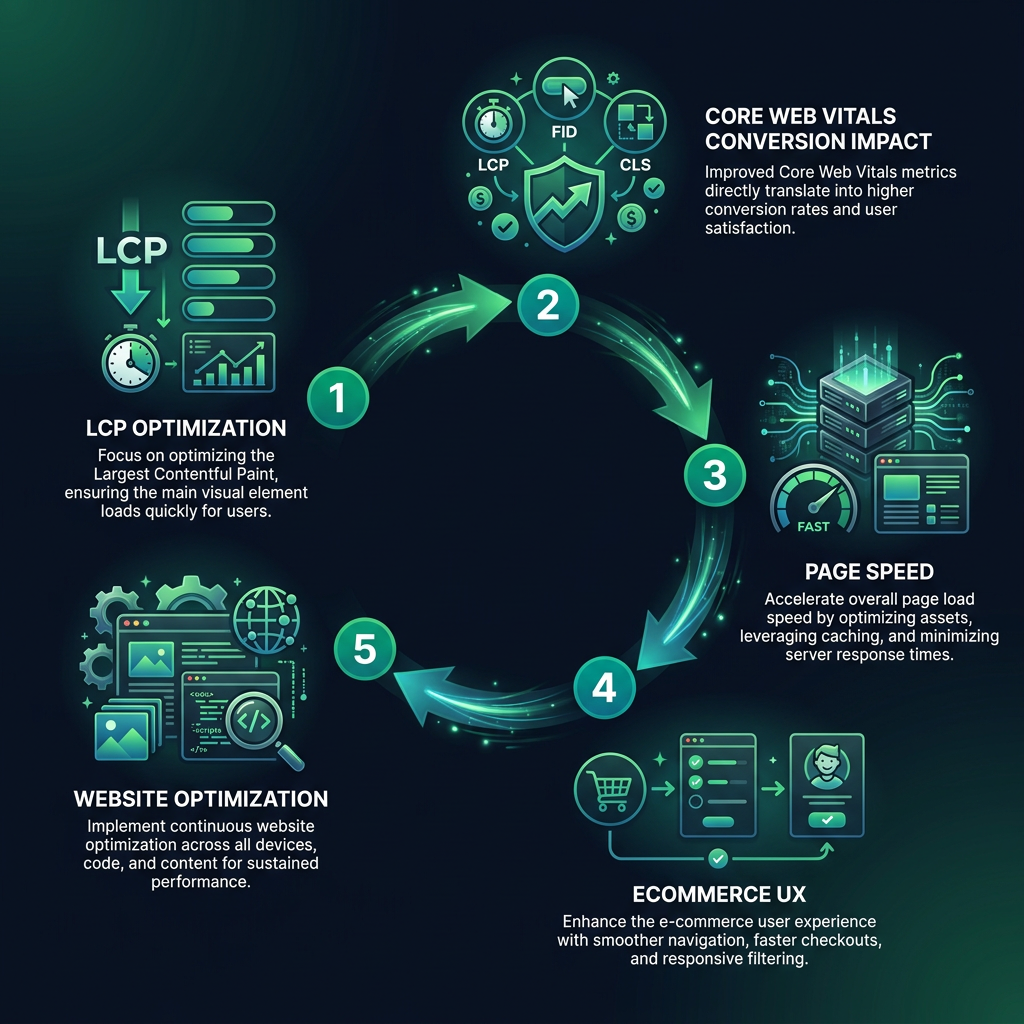
Speed optimization isn't black magic. It's strategic engineering. You'll want to focus on three core areas: image optimization, critical rendering path, and server response times.
Image compression is your first weapon. Not all compression is equal. Modern formats like WebP can reduce image sizes by 30% without sacrificing quality. Tools like ImageOptim or Squoosh can help you achieve this without technical complexity.
Server-side strategies matter too. Leveraging browser caching, using a Content Delivery Network (CDN), and minimizing unnecessary JavaScript can dramatically accelerate your load times.
HEADING: Practical Tactics to Crush Your LCP Times
Real-world optimization means getting granular. Start by auditing your current performance. Google PageSpeed Insights isn't just a tool — it's your roadmap. It'll pinpoint exactly where your site slows down.
Prioritize above-the-fold content. This means your hero image, primary product visual, and key value propositions should load first. Pre-load critical assets. Use lazy loading for everything below the initial viewport.
A case study from an electronics retailer showed that reducing LCP from 4.2 to 2.1 seconds increased conversion rates by 37%. Those aren't just numbers — that's real revenue.
Technical details matter. Implement resource hints like 'preload' for critical assets. Use modern image formats. Minimize third-party scripts. Each millisecond counts.
Your competitors are sleeping. While they ignore these details, you can capture market share by delivering lightning-fast experiences. Speed isn't just a feature — it's a competitive advantage.
eyecaptain.io
EyeCaptain
97%
Conversions Booster
Your visitors leave without converting
Most websites lose 97% of their traffic without a single conversion. Our AI scans 200+ CRO elements to find exactly where visitors drop off.
EyeCaptain is an AI-powered CRO & UX analysis tool that automatically scans your pages, identifies UX issues, and gives you actionable optimization suggestions to increase conversions. Try it for free, no card, no commitment.



 EyeCaptain