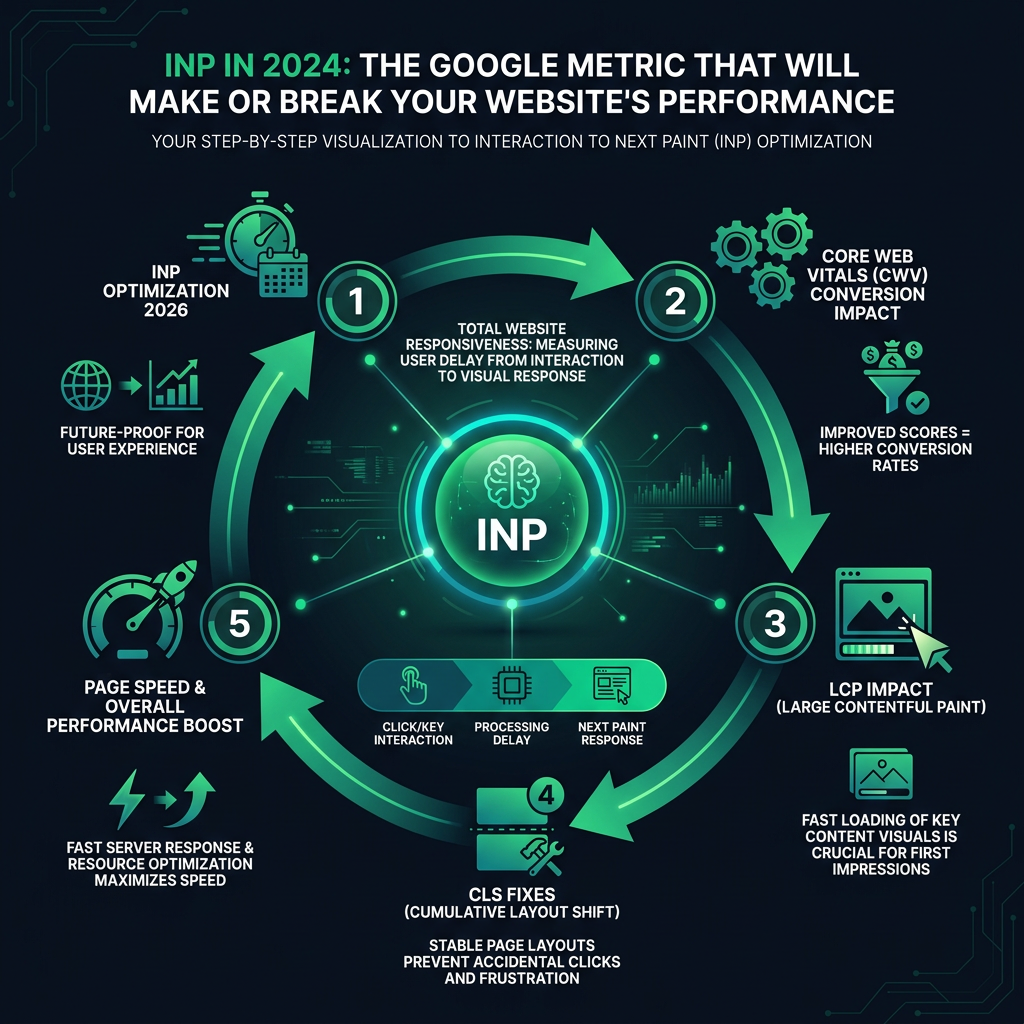

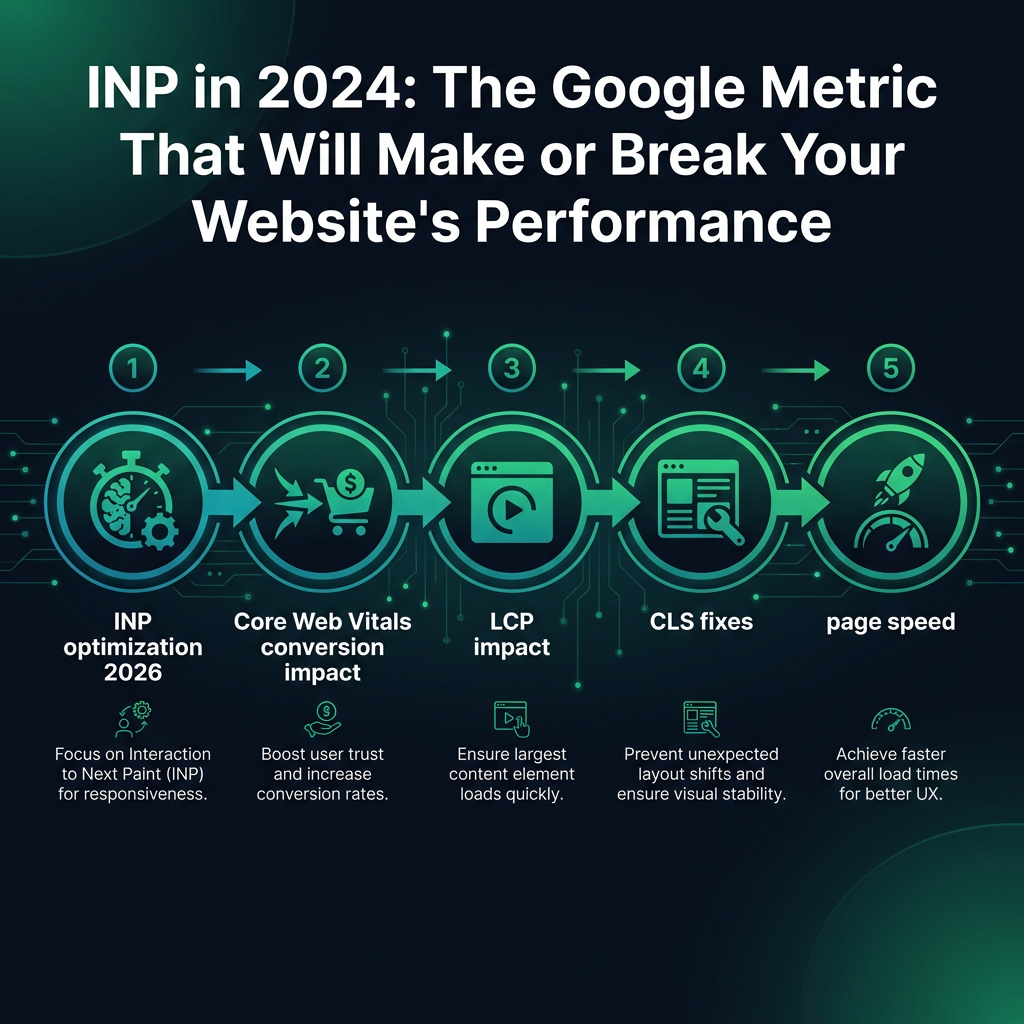
Unlock higher conversion rates and build a future-ready website with our guide to Interaction to Next Paint (INP) optimization for 2026. As a critical Google performance metric, improving INP is no longer optional - it's essential for enhancing overall site speed and directly impacts your revenue and profitability. A slow, unresponsive site turns potential customers away, making the impact of Core Web Vitals on conversions a topic no global business can afford to ignore.
Understanding INP: The Core Web Vital Affecting Your Conversions
Let's clarify what INP means for your website. Imagine a user clicks a button, opens a menu, or types into a search bar. INP measures the time it takes for the page to provide a visual response to that interaction. It is a direct measurement of your site's responsiveness, or its "reflexes."
If that response is slow, you have a significant challenge. A poor INP score leads to frustrated visitors who may assume your site is broken and leave. This is not just a theory; it is a reality that affects business outcomes worldwide.
Research from the Baymard Institute, a globally recognized UX research organization, shows that a high percentage of users will abandon a website if the experience feels slow or unresponsive. Your INP score is a direct indicator of this experience.
Focusing on INP optimization is crucial because it directly correlates with user satisfaction and, ultimately, your conversion rate. A fast, interactive site feels reliable and encourages users to complete their journey, whether that's making a purchase, filling out a form, or reading content.

The Global Impact of INP on User Experience and Trust
We have all experienced it: you click "Add to Cart," and for a moment, nothing happens. That hesitation immediately creates doubt. Is the website working correctly? Did my click register? This split-second delay does more than just annoy; it erodes trust in your brand and can make your site feel unprofessional.
According to studies by the Nielsen Norman Group, users form a strong impression of your website in just milliseconds. A quick, responsive interaction builds confidence, while a laggy one creates a negative perception that can prevent a sale before a user even sees your products or services.
INP Performance Benchmarks
To ensure a smooth user experience, you should aim for an INP score under 200 milliseconds. This is the threshold where interactions feel instantaneous. Once your site's INP exceeds 500 milliseconds, you are in a high-risk category, likely losing users and potential revenue with every slow interaction.
Beyond INP: The Complete Core Web Vitals Picture
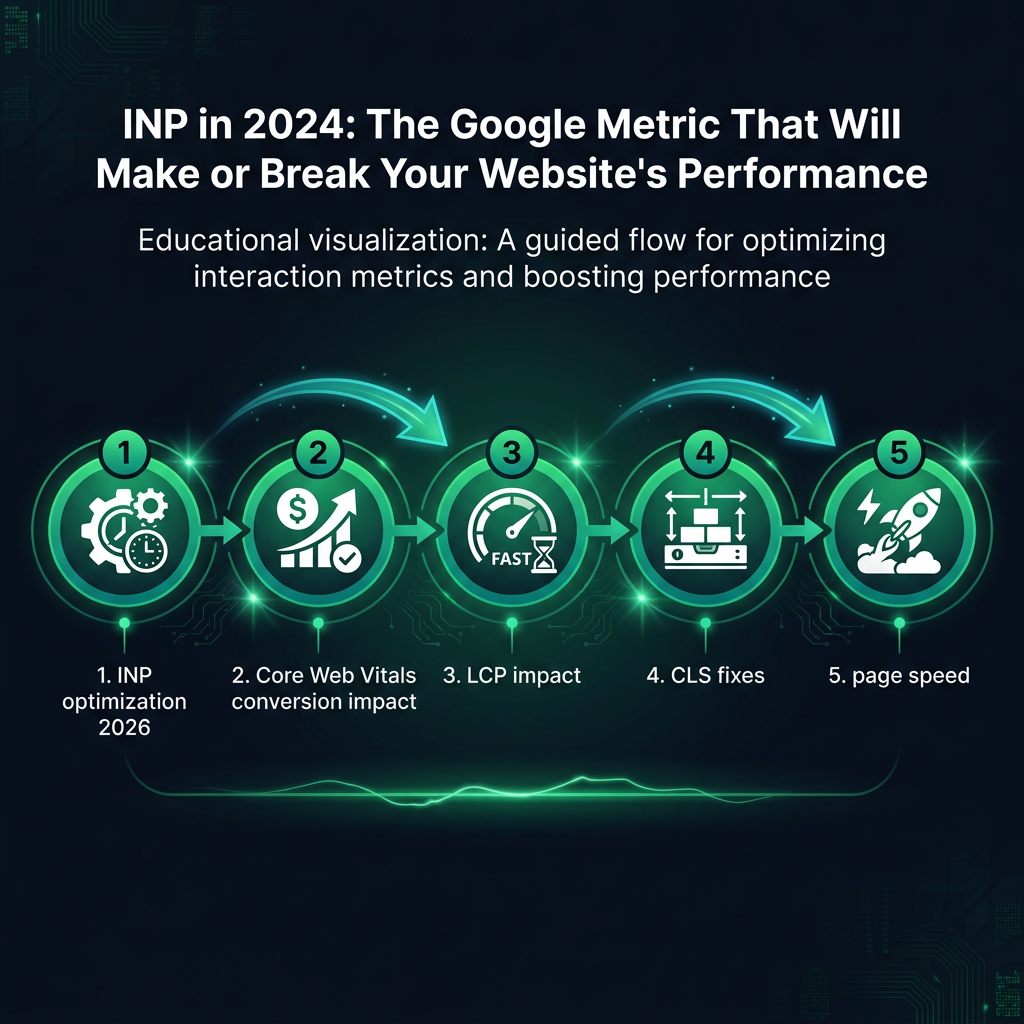
While INP is a key focus, a truly optimized site considers all Core Web Vitals. Excellent site speed is a result of optimizing INP, LCP, and CLS together. Understanding their combined impact on conversions is essential for success.
The LCP Impact on First Impressions
Largest Contentful Paint (LCP) measures how long it takes for the largest image or text block to become visible on the screen. A poor LCP makes your site feel slow from the very first moment. The LCP impact is significant because a long loading time can cause users to leave before your page even has a chance to become interactive.
Essential CLS Fixes for a Stable Experience
Cumulative Layout Shift (CLS) measures visual stability. Have you ever tried to click a button, only for an advertisement or image to load and push it down the page? That is a layout shift. Common CLS fixes include specifying dimensions for images and ads, and reserving space for dynamic content. A low CLS score prevents user frustration and accidental clicks, building a more trustworthy digital experience.