GA4 Engagement Rate: What This New Metric Really Means for Your Conversions
Tired of misleading bounce rate metrics? Discover how GA4's engagement rate reveals the true story of your website's performance.
Dimitris
16 May 2026
4 min read
157 views
GA4 engagement rate vs bounce rateGA4 user_engagement eventaverage engagement timeGA4 metrics for CROwebsite optimization
If you are still using bounce rate for website optimization, your analytics could be providing an incomplete picture. Understanding the difference between the GA4 engagement rate vs bounce rate is essential for modern digital marketing. It offers a more accurate view of user behavior and helps create effective conversion rate optimization (CRO) strategies.
What Is GA4 Engagement Rate and Why It Matters
Google Analytics 4 (GA4) did more than update its interface; it fundamentally changed how we measure website performance. The engagement rate is a key performance indicator, offering a window into how users interact with your site. It moves beyond the limitations of bounce rate to track meaningful interactions that signal user interest.
Global research from firms like the Baymard Institute shows that the average e-commerce site loses a majority of potential customers on the first page. While older metrics showed that users were leaving, they didn't explain the context. Engagement rate helps reveal the story behind user behavior.
eyecaptain.io
When GA4 tracks an "engaged session," it is detecting a significant interaction. This is more than just a page view; it signifies a user who is actively spending time on the page, converting, or navigating further. This shift provides a more precise assessment of your page performance and content quality.
GA4 Engagement Rate vs. Bounce Rate: A New Way to Measure Behavior
The traditional bounce rate was an overly simple metric. A user could land on your blog, read an entire article, find the exact answer they needed, and then leave. In Universal Analytics, this was counted as a "bounce" - a negative signal.
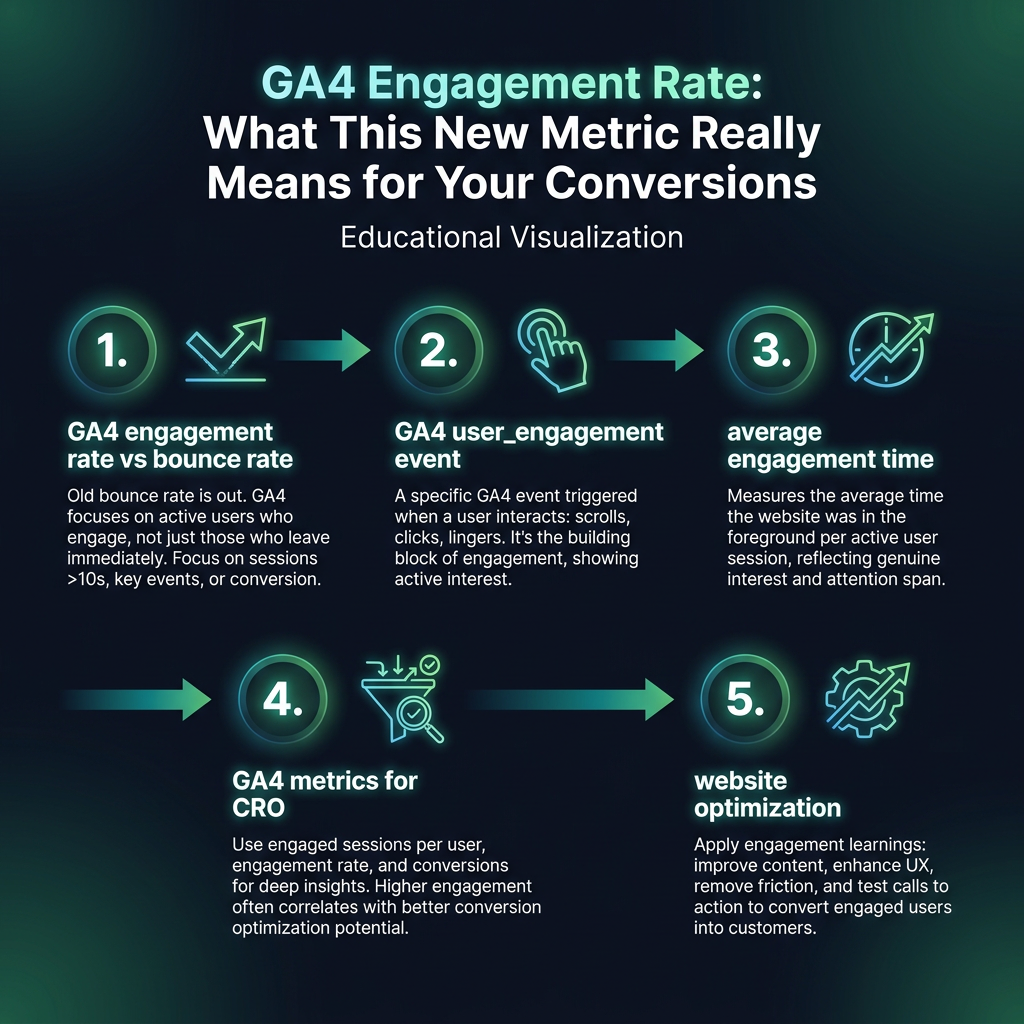
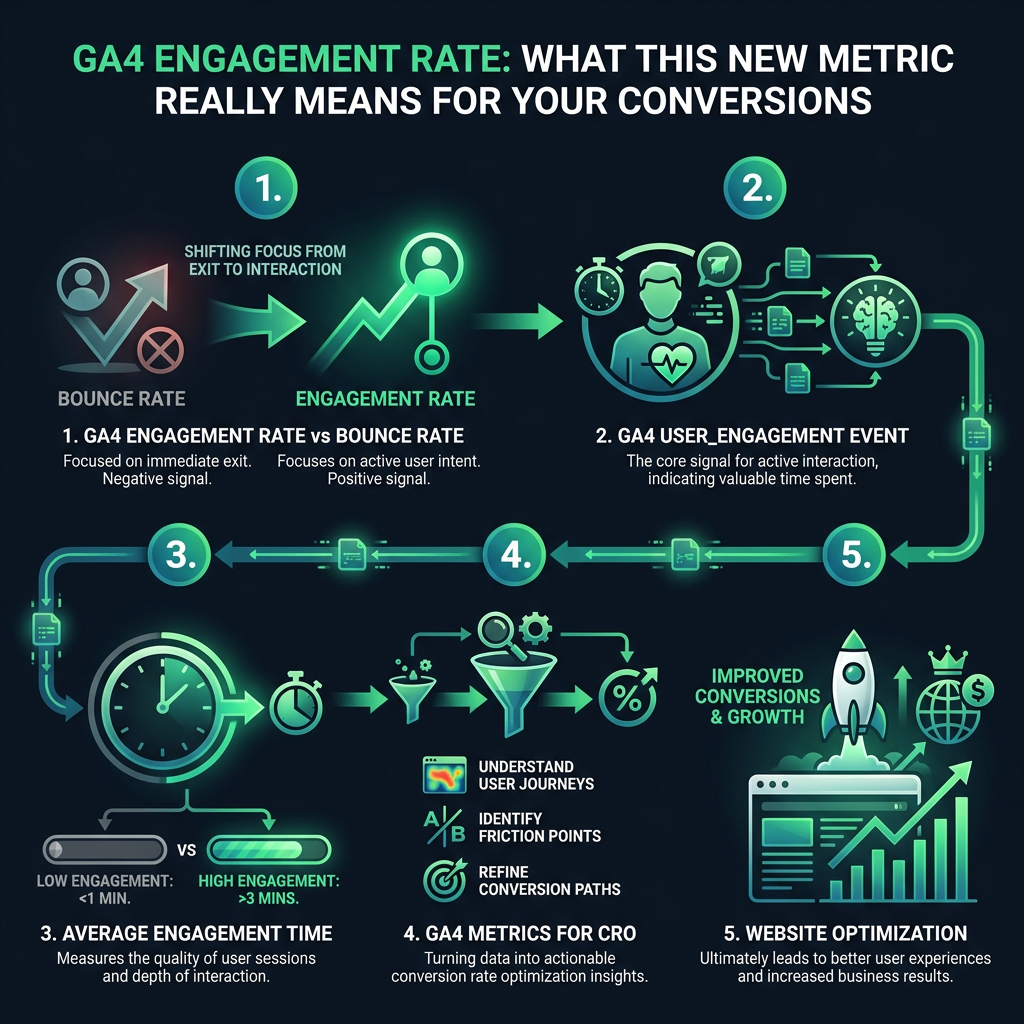
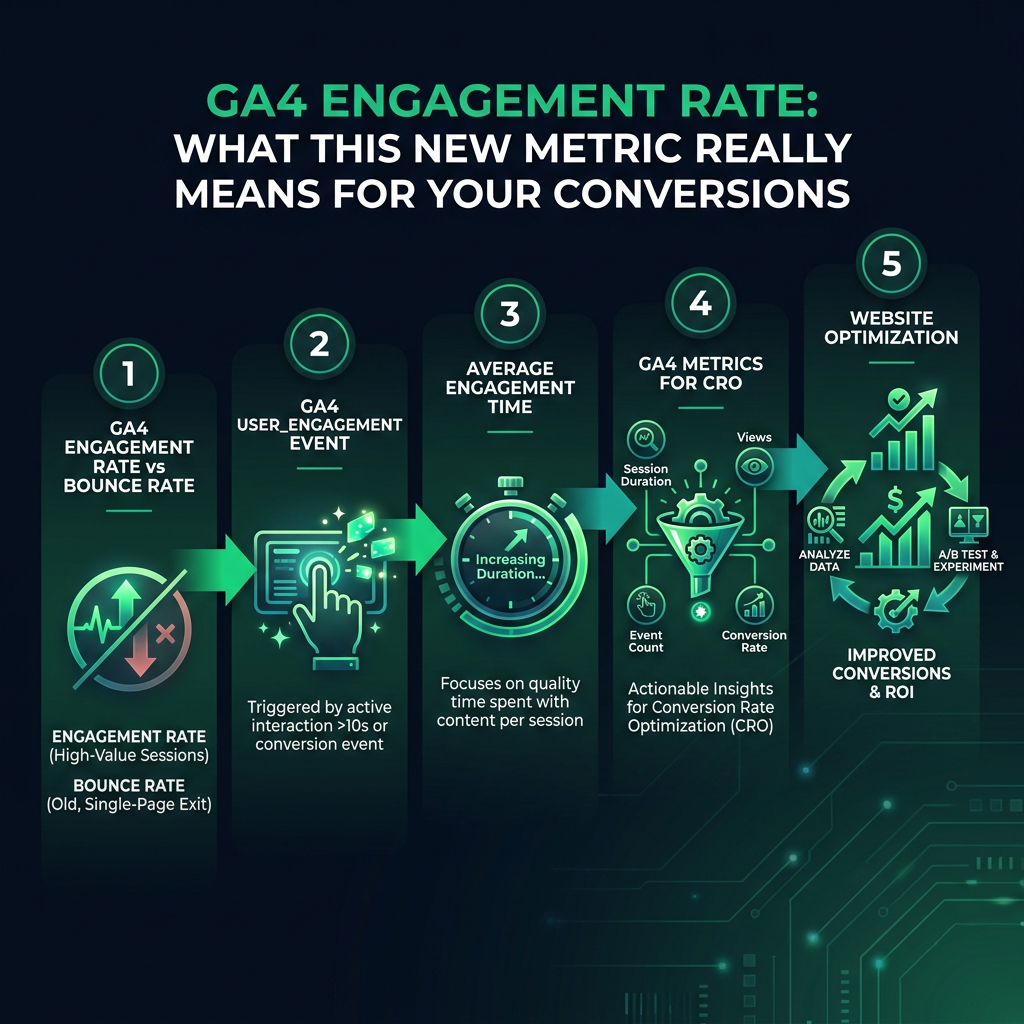
GA4's engagement rate changes this perspective completely. It is the percentage of engaged sessions on your website. Instead of negatively classifying sessions where a user finds what they need on a single page, it positively identifies sessions that show signs of meaningful interaction. That person who spends two minutes reading your content is now correctly identified as an engaged user, not a bounce.
eyecaptain.io
What Triggers the GA4 user_engagement Event?
So, what does Google Analytics 4 consider an "engaged session"? A user is counted as engaged if their session meets at least one of the following criteria, which triggers the GA4 user_engagement event:
EyeCaptain
3sec
Conversions Booster
Users decide in 3 seconds — are you losing them?
If your page doesn't hook visitors instantly, they're gone. Get a full breakdown of what's causing friction above the fold.
The session lasts longer than 10 seconds (this duration is customizable).
The session includes a key conversion event.
The user views at least two pages or screens.
This multi-criteria approach is a significant advancement from the old, simplistic "bounced or not" logic. It allows you to track metrics like average engagement time, giving you a precise tool to measure user attention.
Using GA4 Metrics for CRO and Website Optimization
Your engagement rate is more than just a number; it is a guide for website optimization and improving conversions. By understanding which pages and content hold user attention, you can make informed decisions. These GA4 metrics for CRO are invaluable for identifying what is working and what needs improvement.
eyecaptain.io
To improve your engagement rate, focus on these universal principles:
Content Relevance: Ensure your page content directly addresses the user's intent and search query.
Page Speed: A slow-loading site is a major barrier to engagement. Optimize images and scripts for faster performance across all devices and connection speeds.
Clear Messaging: Use clear headlines and strong calls-to-action (CTAs) to guide users and encourage them to explore your site further.
The most successful websites view engagement as a dialogue with the user. Your analytics should reflect this human-centric approach. Every percentage point increase in your engagement rate represents real people choosing to stay, engage, and potentially become customers - the ultimate goal of any website optimization strategy.
EyeCaptain is an AI-powered CRO & UX analysis tool that automatically scans your pages, identifies UX issues, and gives you actionable optimization suggestions to increase conversions. Try it for free, no card, no commitment.