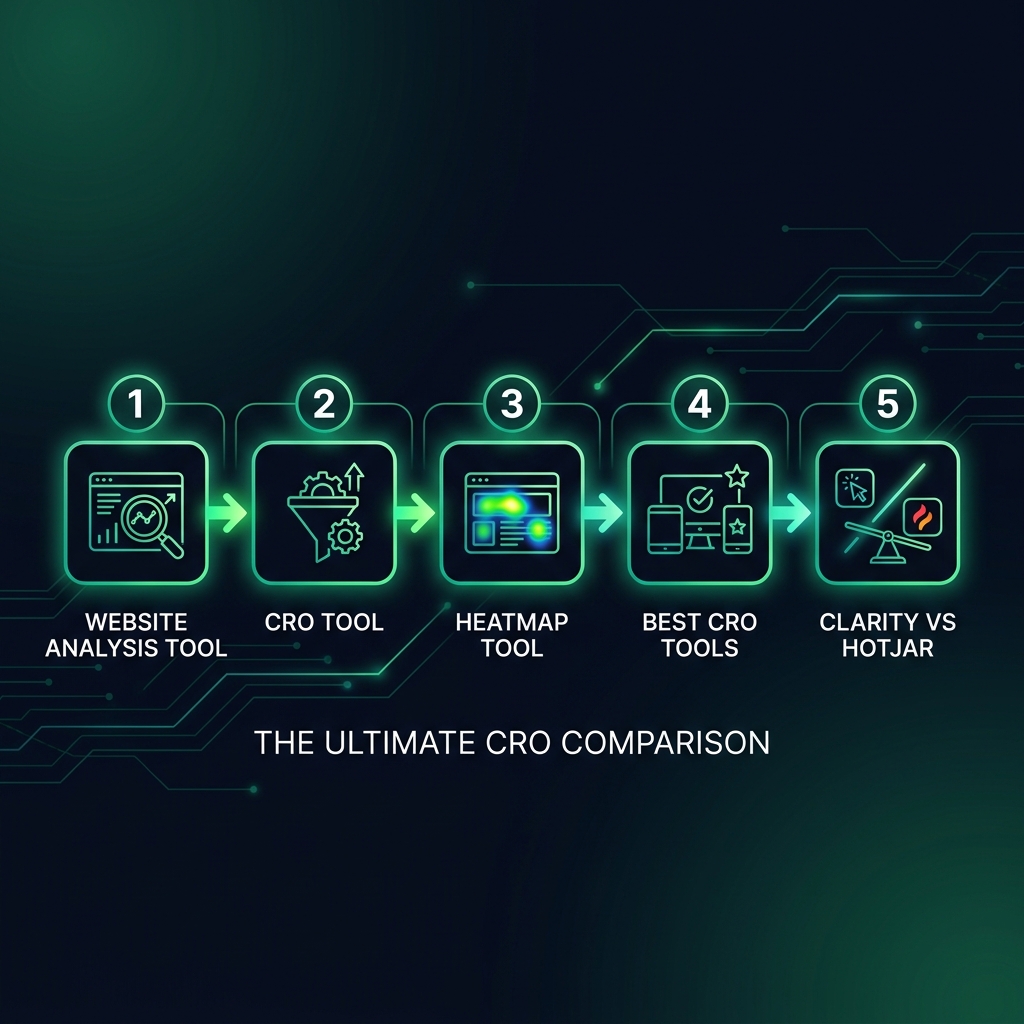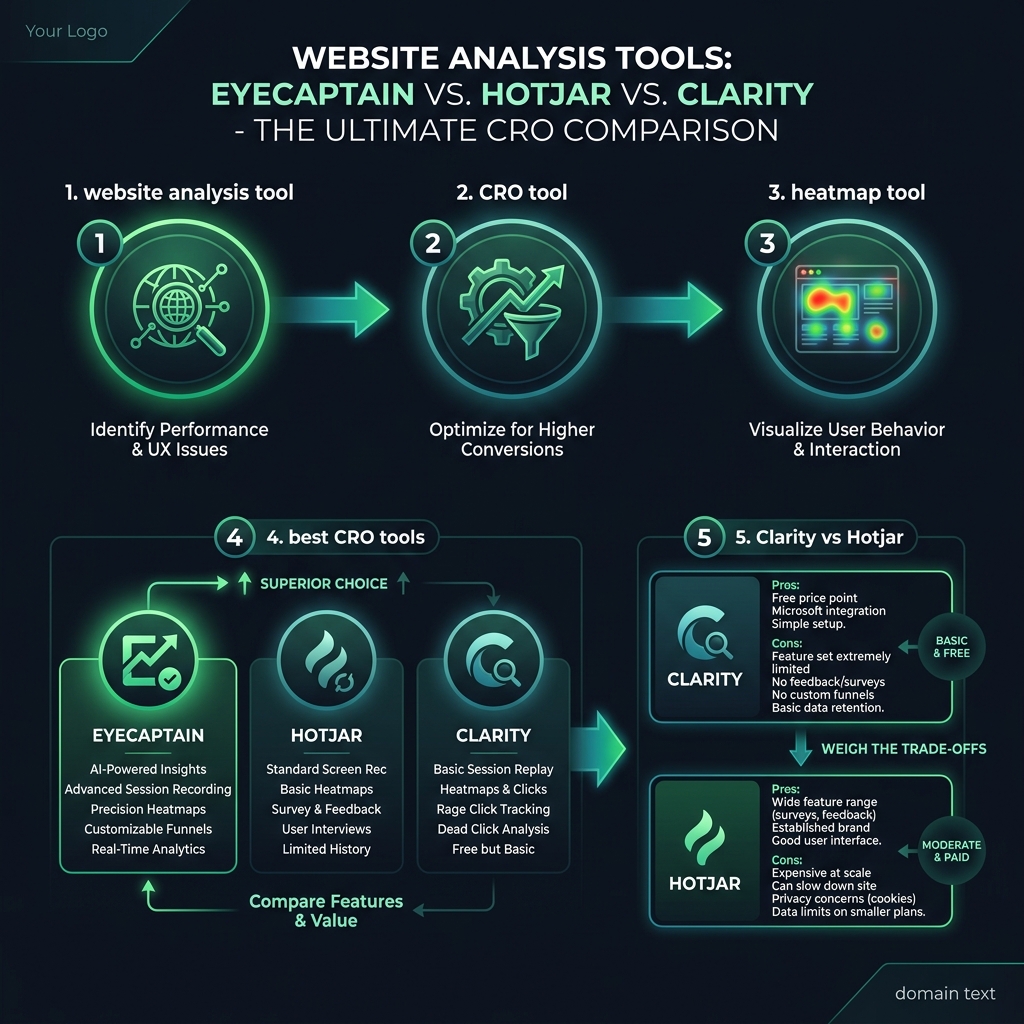

Choosing the right website analysis tool can feel overwhelming. You have likely set up a heatmap tool, collected countless session recordings, and now face a large amount of data with no clear, actionable insights. If you are staring at colorful scroll maps but your conversion rates are stagnant, you are not alone. The key is not just collecting data; it is finding a tool that helps you understand it.
Beyond Data Collection: What Makes a CRO Tool Truly Effective?
Most website analysis tools offer a similar set of features: heatmaps show where users click, session recordings let you watch their journey, and form analytics reveal drop-off points. But what transforms a dashboard of colorful charts into a powerful revenue-generating engine is one crucial element: context. A great CRO (Conversion Rate Optimization) tool must provide this context.
A heatmap showing 500 clicks on your homepage is meaningless without knowing the outcome. Did those clicks lead to purchases, or did they signal user confusion? Similarly, watching random session recordings is inefficient if you cannot focus on visitors who abandoned a full shopping cart. With global cart abandonment rates hovering around 70%, generic analytics often fail to pinpoint the exact friction in your checkout flow that is costing you sales.
The best CRO tools are not defined by the longest feature lists. Instead, they guide you directly to the most critical issues on your site. Think of it this way: instead of giving you a map of every road in the city, they provide turn-by-turn directions to your destination - higher conversions.
This is a core issue when comparing platforms. For example, the popular Clarity vs. Hotjar debate often centers on features, but the real question is how each tool helps you prioritize action. Clarity offers unlimited free recordings, but you are often left to sift through them manually. Hotjar provides more advanced filtering but restricts access to data behind its pricing tiers. Both show you what is happening, but they don't always tell you what to fix first.

Session Replay: Uncovering Insights and Avoiding Data Overload
There is a unique power in watching a real person interact with your website. With session replay, you can see a user's hesitation before they abandon a cart, feel their confusion when they cannot find shipping information, and witness their frustration with a broken button. This qualitative data provides invaluable insight into the user experience.
However, the primary challenge with session recordings is their sheer volume. A website with 10,000 monthly visitors can generate 10,000 recordings. Even if you focus only on sessions with abandoned carts (which could be up to 7,000 based on average rates), it is impossible for a person or team to manually review that much video and identify meaningful patterns.
This is where the intelligence of the software becomes critical. For example, some tools automatically flag common signs of user frustration:
- Hotjar lets you filter for "rage clicks," where a user clicks repeatedly on a non-responsive element.
- Microsoft Clarity automatically identifies "dead clicks," where a user clicks something that looks interactive but is not.
These features are helpful, reducing the workload from impossible to manageable. However, the goal is not just to have session replay, but to find the few sessions that truly matter. Foundational user experience research shows that observing just five users can uncover most usability issues, but only if those five users are representative of key problem areas.