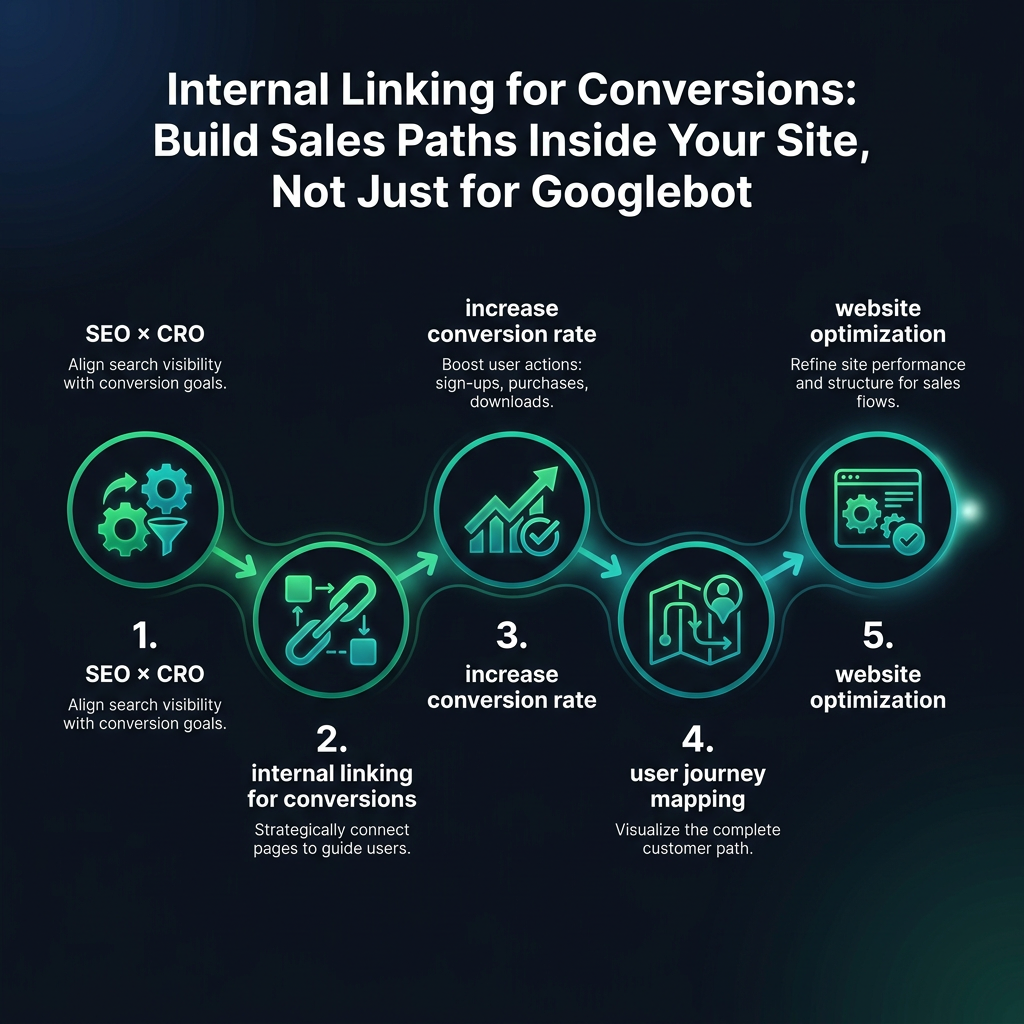

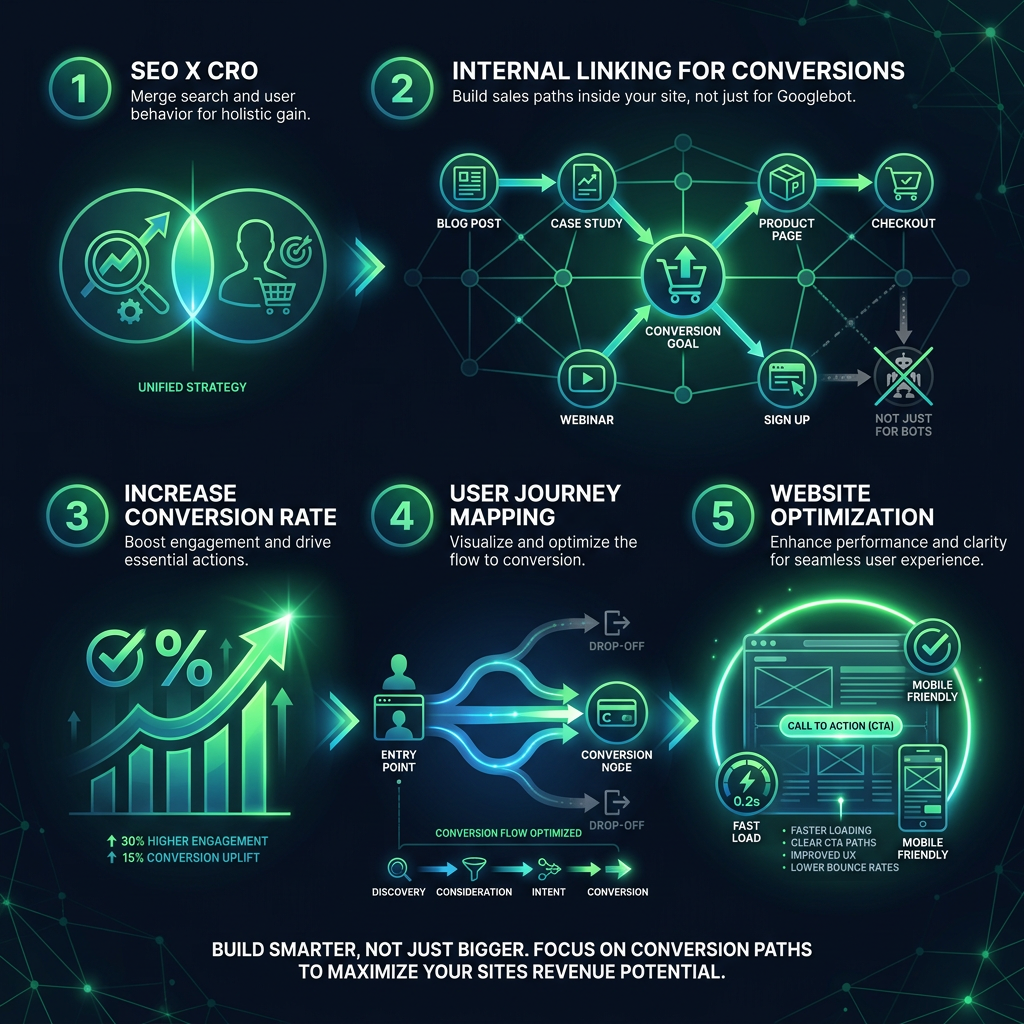
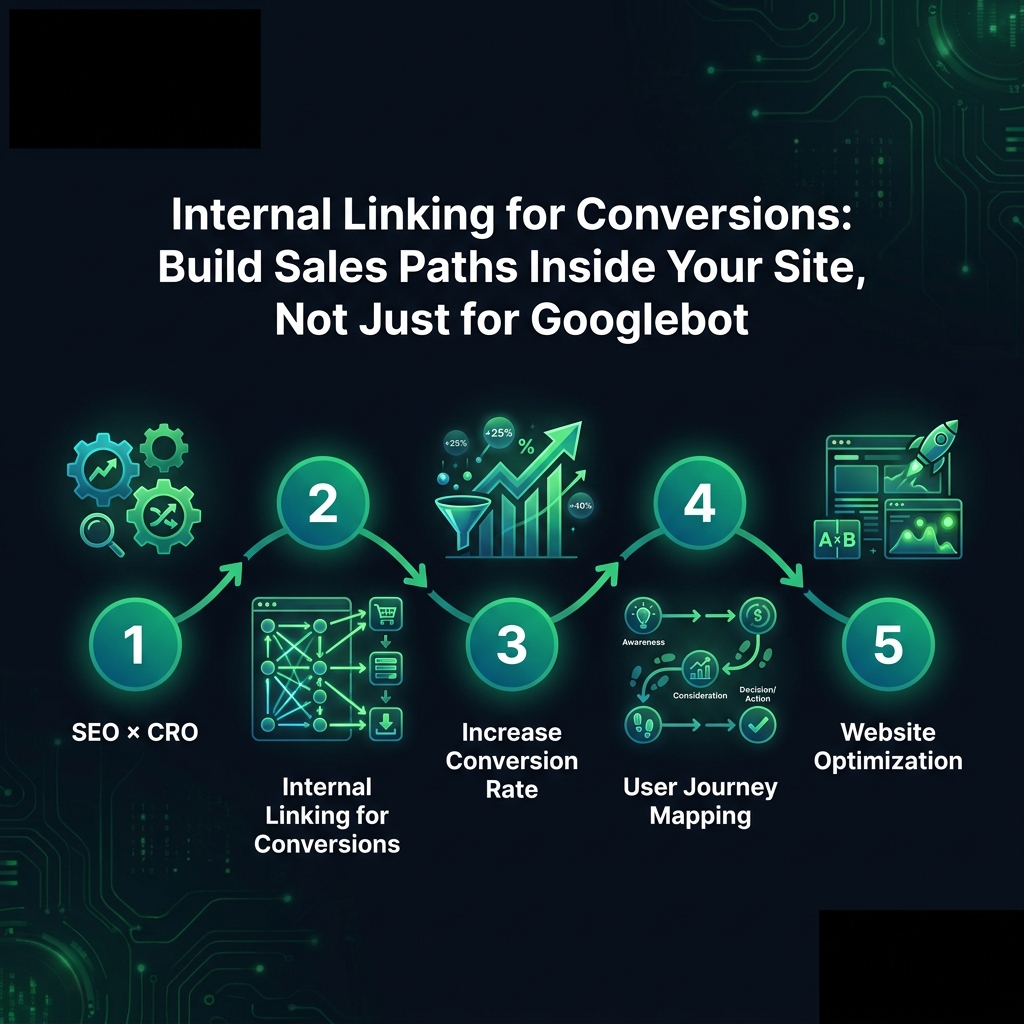
Are your internal links helping your SEO but failing to generate revenue? This common disconnect highlights the critical need to merge SEO and CRO (Conversion Rate Optimization). By shifting from algorithm-focused links to strategic internal linking for conversions, you can transform your site from a simple sitemap into a guided path that helps increase your conversion rate and drives real revenue.
SEO vs. CRO: The Disconnect in Website Optimization
Most websites structure their internal links to please search engine algorithms. You see it constantly: product pages linking to other products, and categories linking to subcategories. While this creates a perfectly neat and crawlable map for Google, it often does nothing for the actual person who just landed on your site.
This is the significant disconnect in modern website optimization. You are building a digital road map for a robot when you should be guiding a real human visitor. Imagine a user who just found your blog post on "the best running shoes." They are interested, but not yet ready to buy. They need more information and guidance before they will even consider clicking "add to cart."
This is where conversion-focused internal linking shines. It's not just about distributing link equity; it's about creating a deliberate journey. You are designing a path that answers a user's questions in the exact order they arise, reducing friction and guiding them toward a purchase without ever feeling pushy.
The Common Mistake: Linking for Algorithms, Not for Buyers
So, what do most websites get wrong? They link to "related" content based on a similar topic. For SEO, that satisfies a basic metric. For actually persuading someone to buy, it's often counterproductive.

The Baymard Institute found that 68% of people who abandoned their shopping carts said they were "just browsing." This means the website never successfully shifted them from a browsing mindset into a buying one.
Your internal links must map to your customer's decision-making process, not just your content categories. This is where user journey mapping becomes essential. Someone reading "How to Choose Your First Running Shoes" isn't ready for a product page with hundreds of options. They are ready for an article on "How to Find the Right Fit" or "Understanding Foot Pronation."
Once they understand their specific needs, then you can guide them to your shoe collection, perhaps even pre-filtered for their pronation type. Most sites skip this crucial middle step. They jump from general awareness content straight to a product page and then wonder why their bounce rate is extremely high.
How to Build Internal Link Paths That Increase Conversion Rates
So, how do you implement this strategy? You need to become a user behavior analyst. Start by reverse-engineering the real, often complex customer journey that is hiding in your analytics data, not the theoretical one from a presentation slide.
Step 1: Use Analytics for User Journey Mapping
Go to your analytics and look at your most popular landing pages. Now, track where the people who actually converted went next. If 200 people landed on your "Best CRM Software of 2024" post and 40 of them purchased, what pages did those 40 people visit in between? That sequence is your most effective conversion path.
Now, audit the internal links on that initial landing page. Are you actively sending people down that proven path, or are you just linking to whatever seemed topically related at the time?